Vehicle-unit analysis
Vehicle-unit analysis uses one selected M file as its base. Drivers, slots and card sessions remain separate; C files supplement comparison only within proven card insertion periods.
This makes the single-file view archive-scoped. Vehicle record > Day/Week/Violations, by contrast, uses all valid M archives assigned to the VIN. Check the heading's record/archive context before comparing periods or totals.
Overview
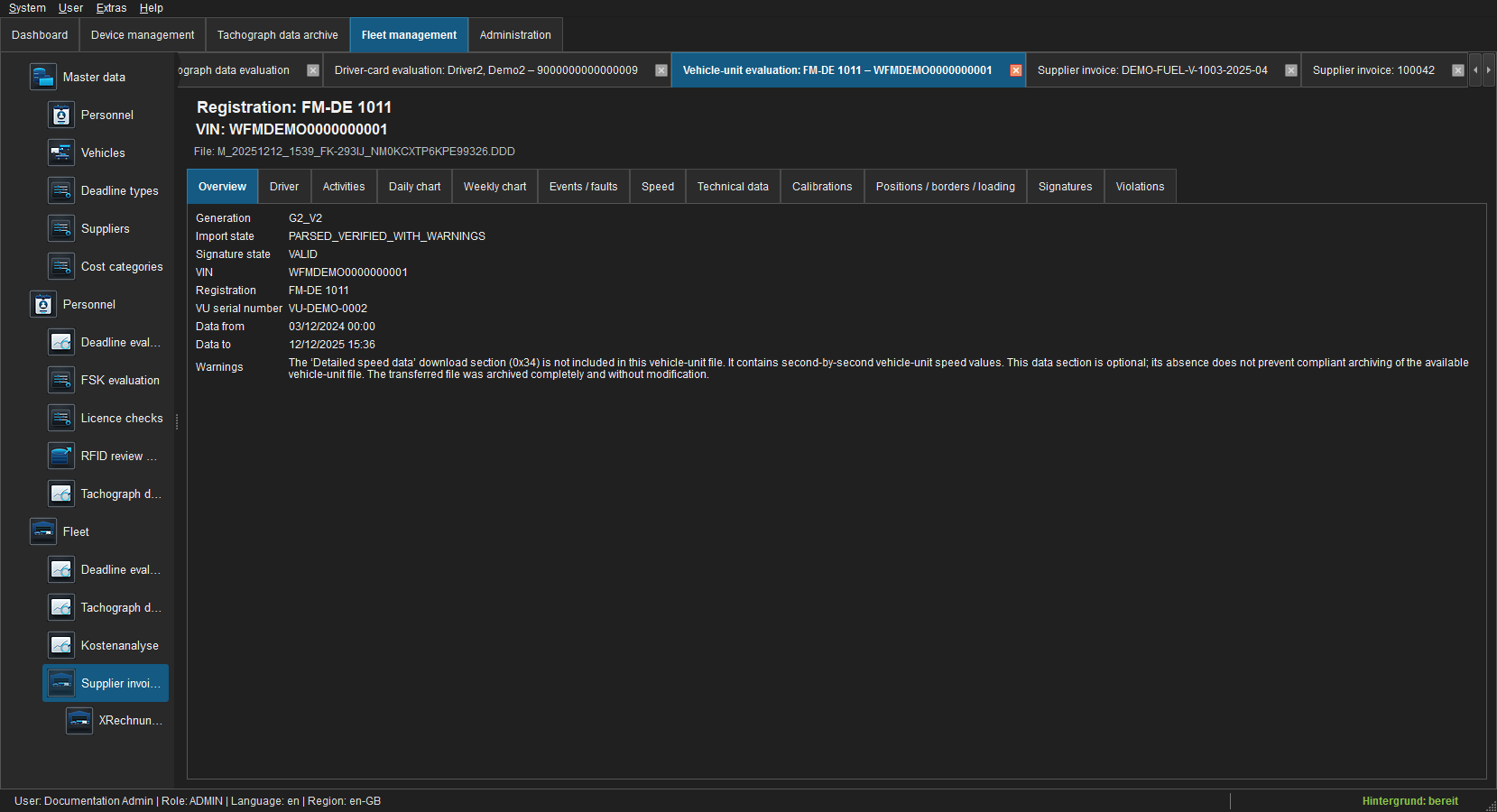 Figure: Generation, signature, vehicle identity, data range and parser warnings.
Warnings identify optional or incomplete download sections. Missing second-by-second speed data, for example, does not change the preserved M file.
Drivers
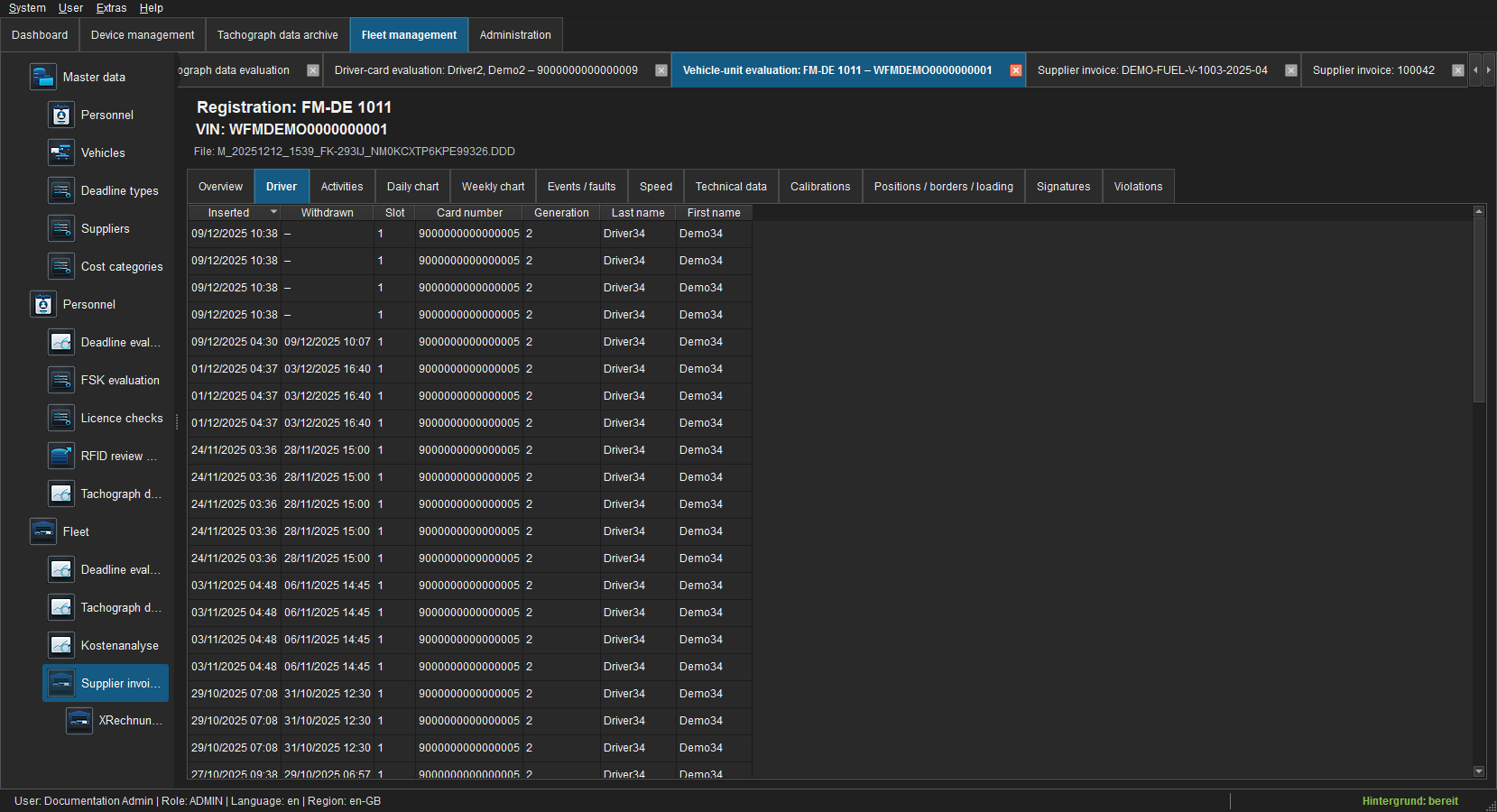 Figure: Insertion/withdrawal, slot, card, generation and name.
“No assigned driver card” means no usable active card-insertion interval was found for the slot and period. It does not merely mean that a C file is absent; timeline tooltips explain this distinction.
Activities
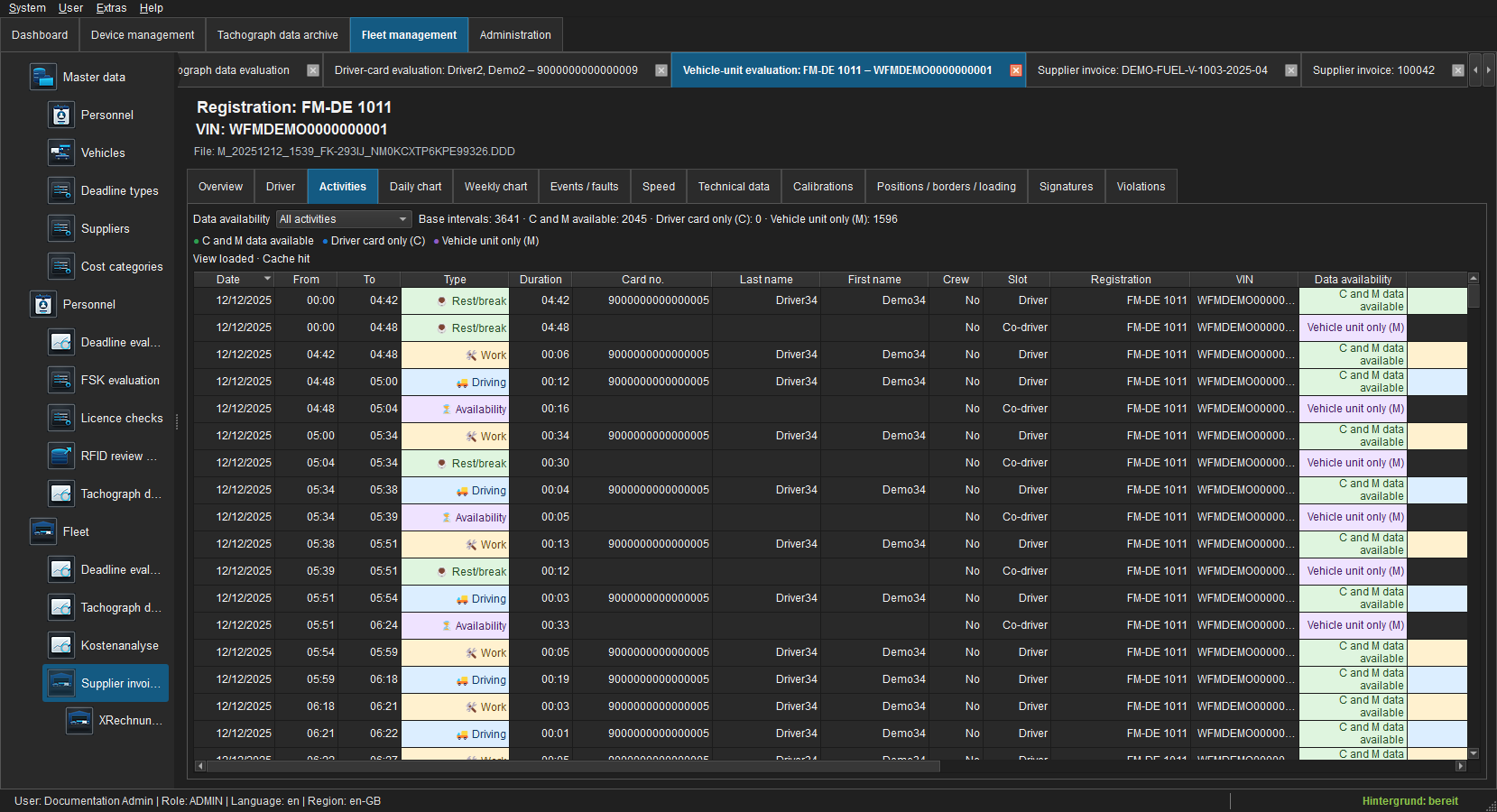 Figure: Vehicle activity intervals with data availability.
Driver changes and team driving are separated by card, generation and slot. Parallel activities from two drivers are never collapsed into one driver row.
Day chart
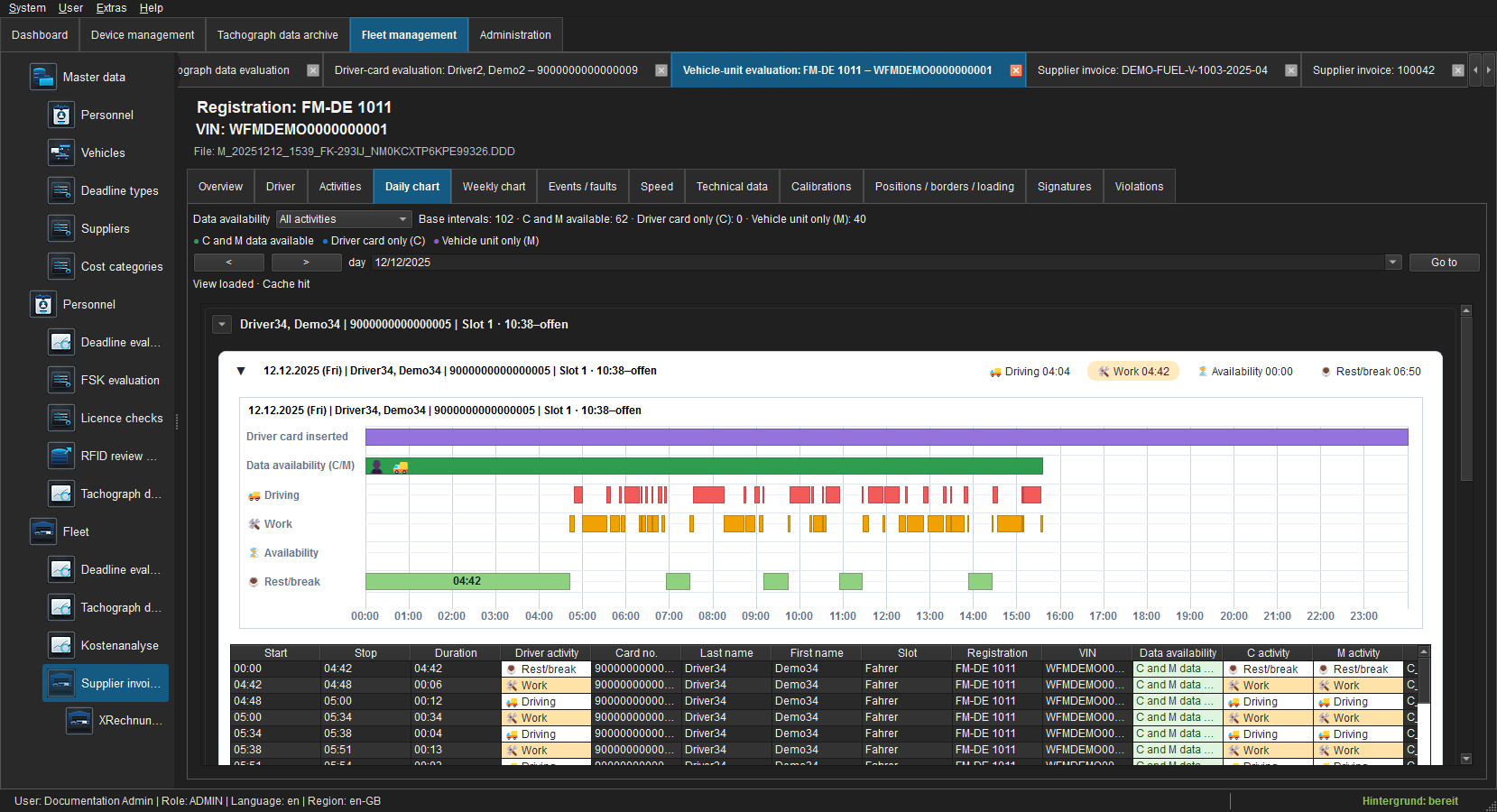 Figure: Driver groups, insertion period and activity tracks for one UTC day.
Navigation depends only on the date. Driver and card appear in group headings. Tooltips on unknown-card groups explain their evidence basis.
Date, arrows and Go to control the UTC day. Each driver group shows card insertion and an activity track; colour and label distinguish driving, work, availability and rest/break. Hover details identify start, end, duration, slot, card and C/M availability. Unknown-card intervals remain a separate visible group.
Week chart
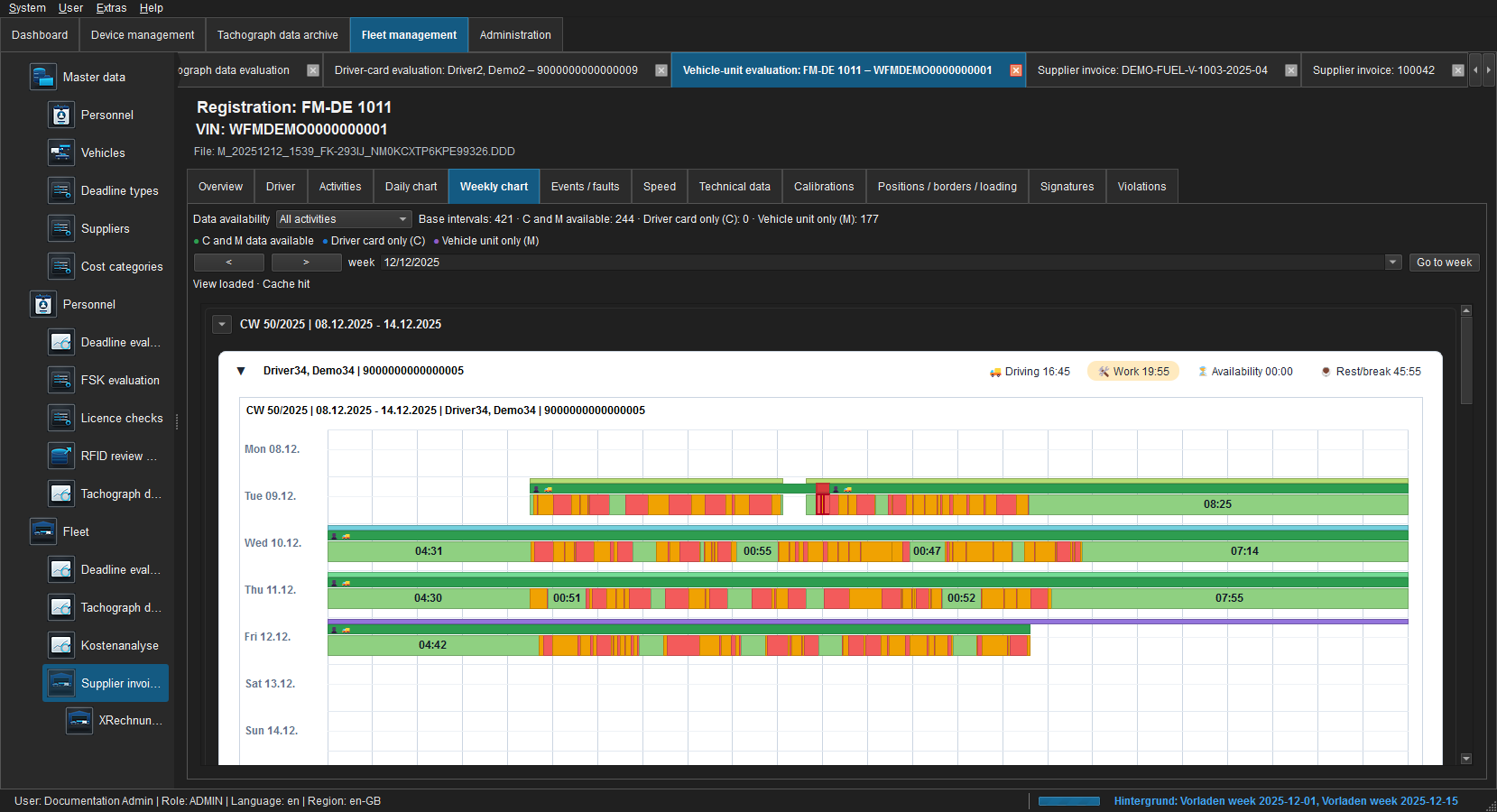 Figure: One ISO week with separate driver panels.
Each calendar week appears once. Multiple sessions for the same driver are combined in that weekly panel; driver changes and team drivers stay separate.
Use arrows to move between ISO weeks and review each day's coverage first. Weekly totals apply to the visible range and record/archive context. Missing data is neither rest nor zero activity.
Events and faults
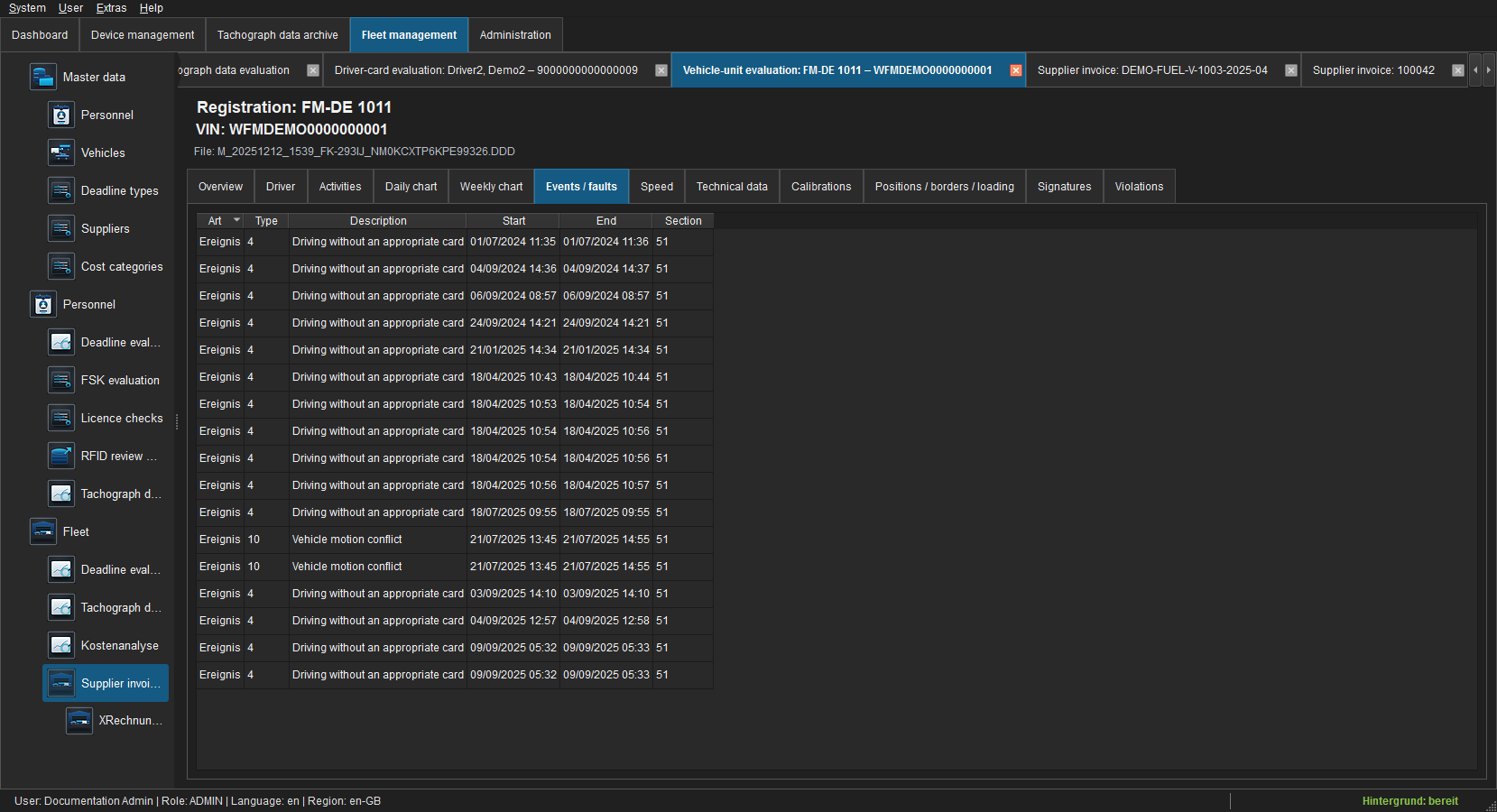 Figure: Records with code, description, start, end and section.
Speed
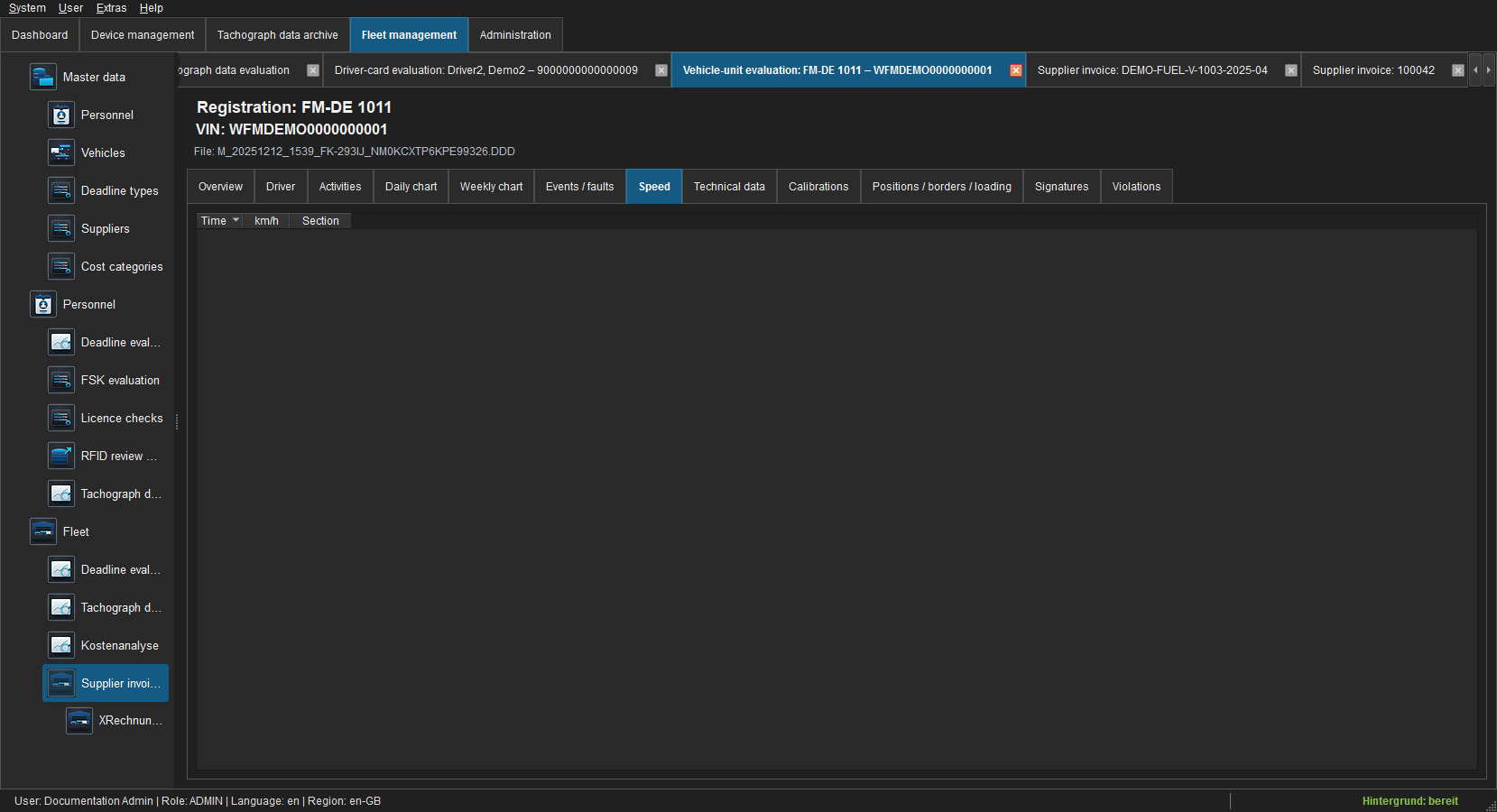 Figure: Second-by-second speed or a documented empty state.
Only speed records present in the file are shown. An empty state is never replaced by calculated or synthetic data.
Technical data
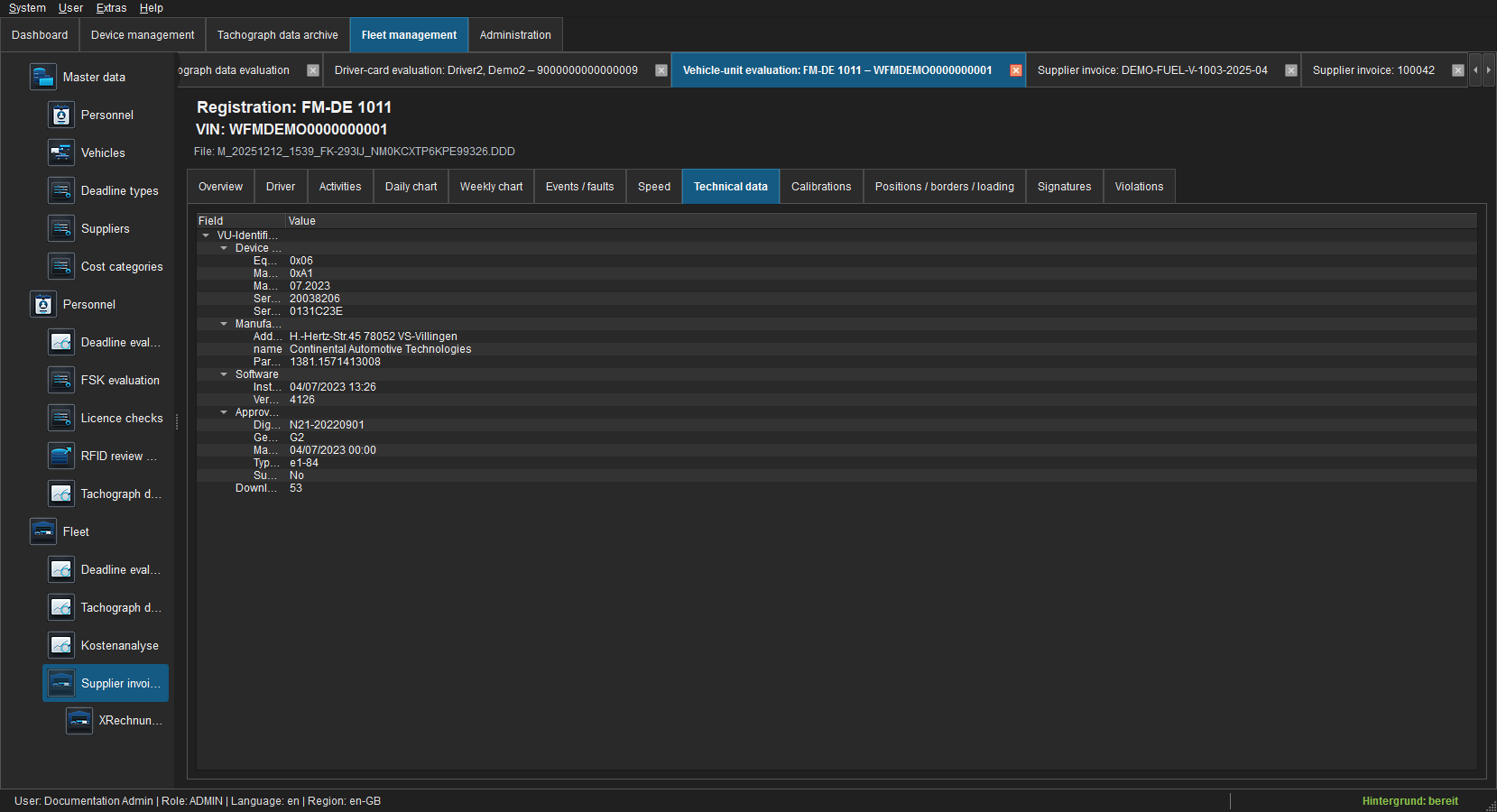 Figure: Readable field tree for manufacturer, device, software and approval.
The tree retains its download-section reference. Unknown optional records remain available through a bounded raw reference.
Calibrations
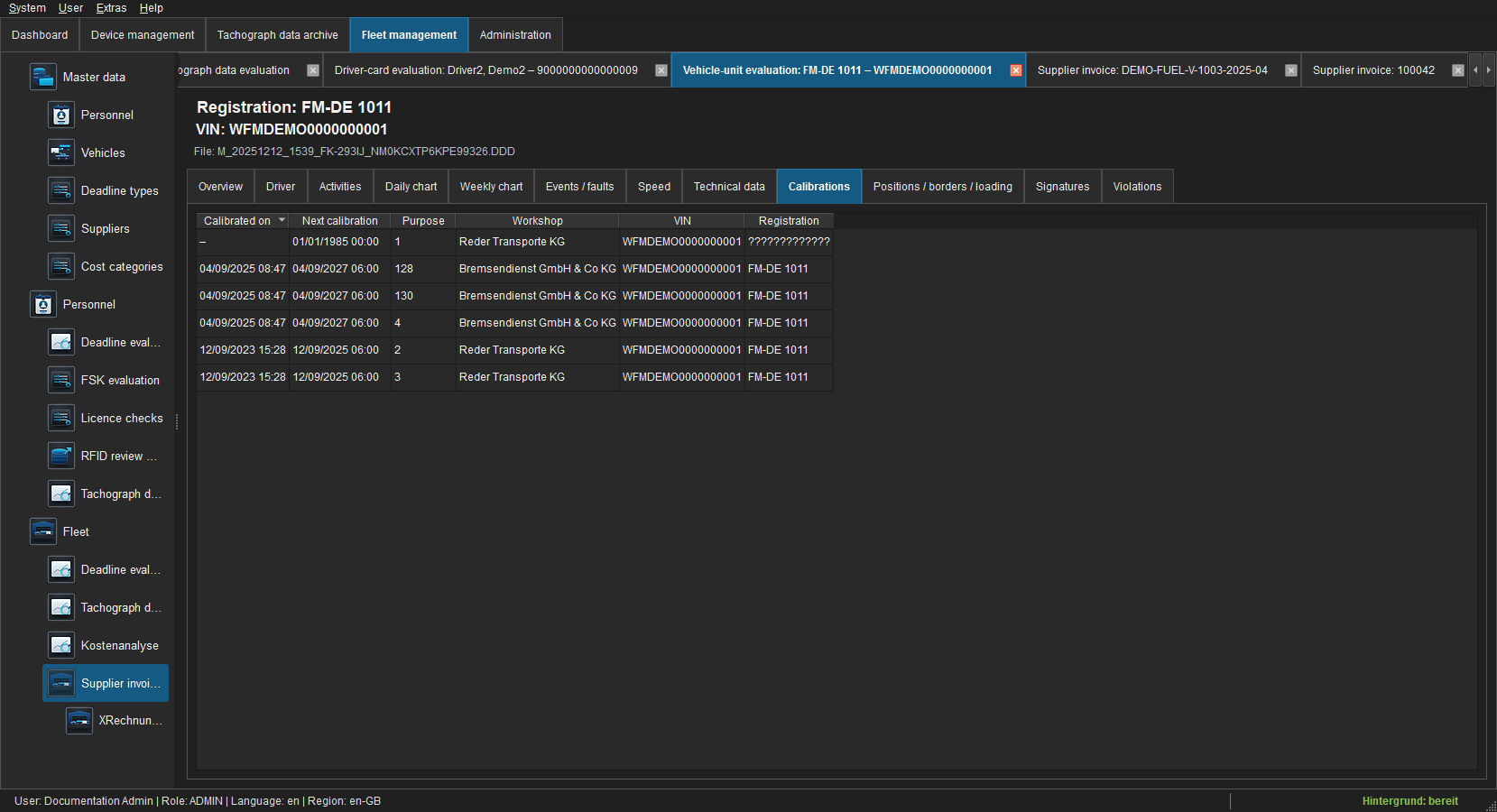 Figure: Calibration time, next calibration, purpose, workshop, VIN and registration.
When a vehicle is created, FLEET Mira uses the chronologically latest suitable record for the separate calibration deadline.
Positions, borders and loading
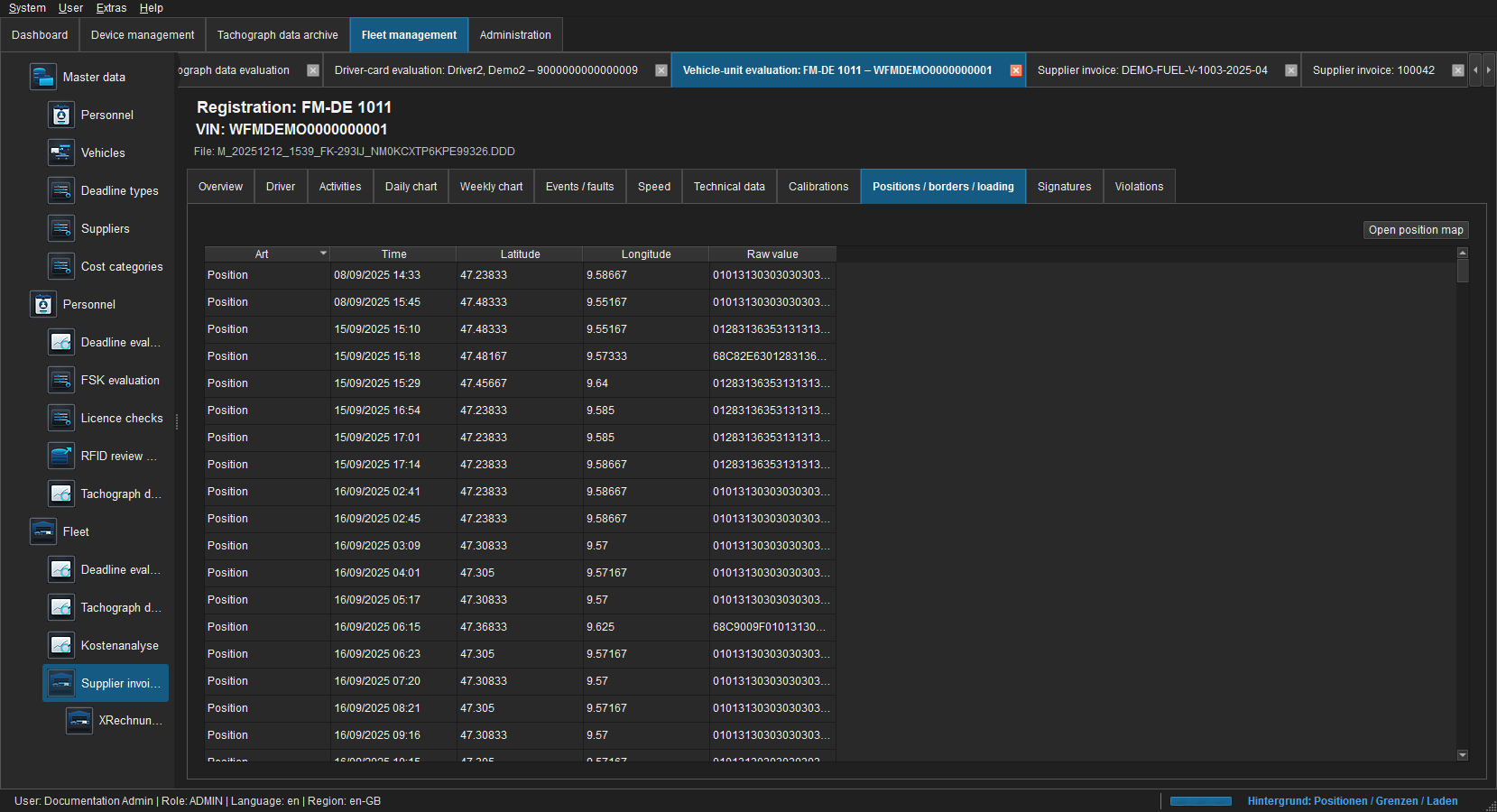 Figure: Time and location records from the selected M file.
The list combines GNSS positions, border crossings and loading/unloading without losing the record type. Coordinate-bearing rows can be opened together on the map.
Signatures
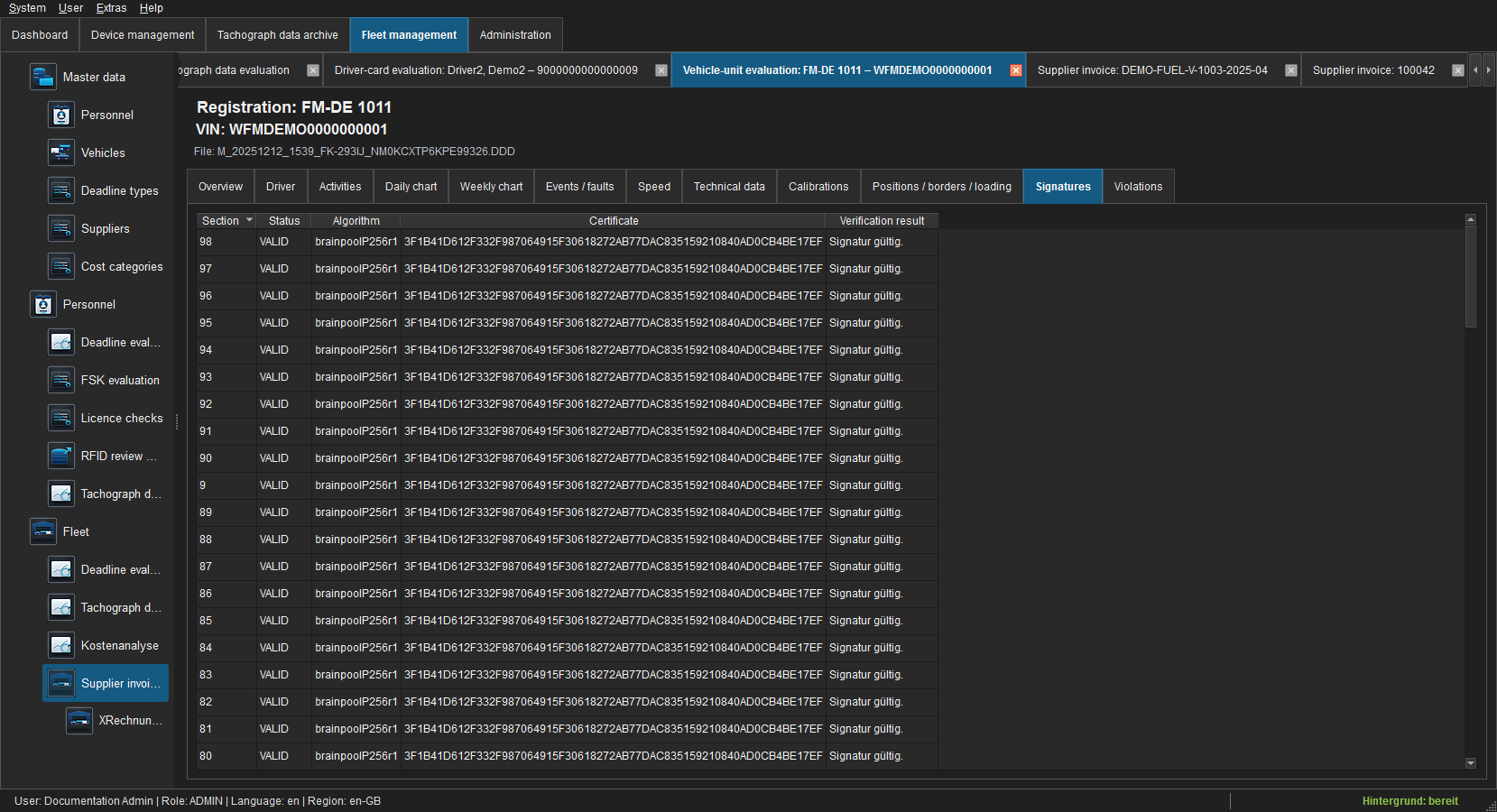 Figure: Verification results for signed download sections.
Violations
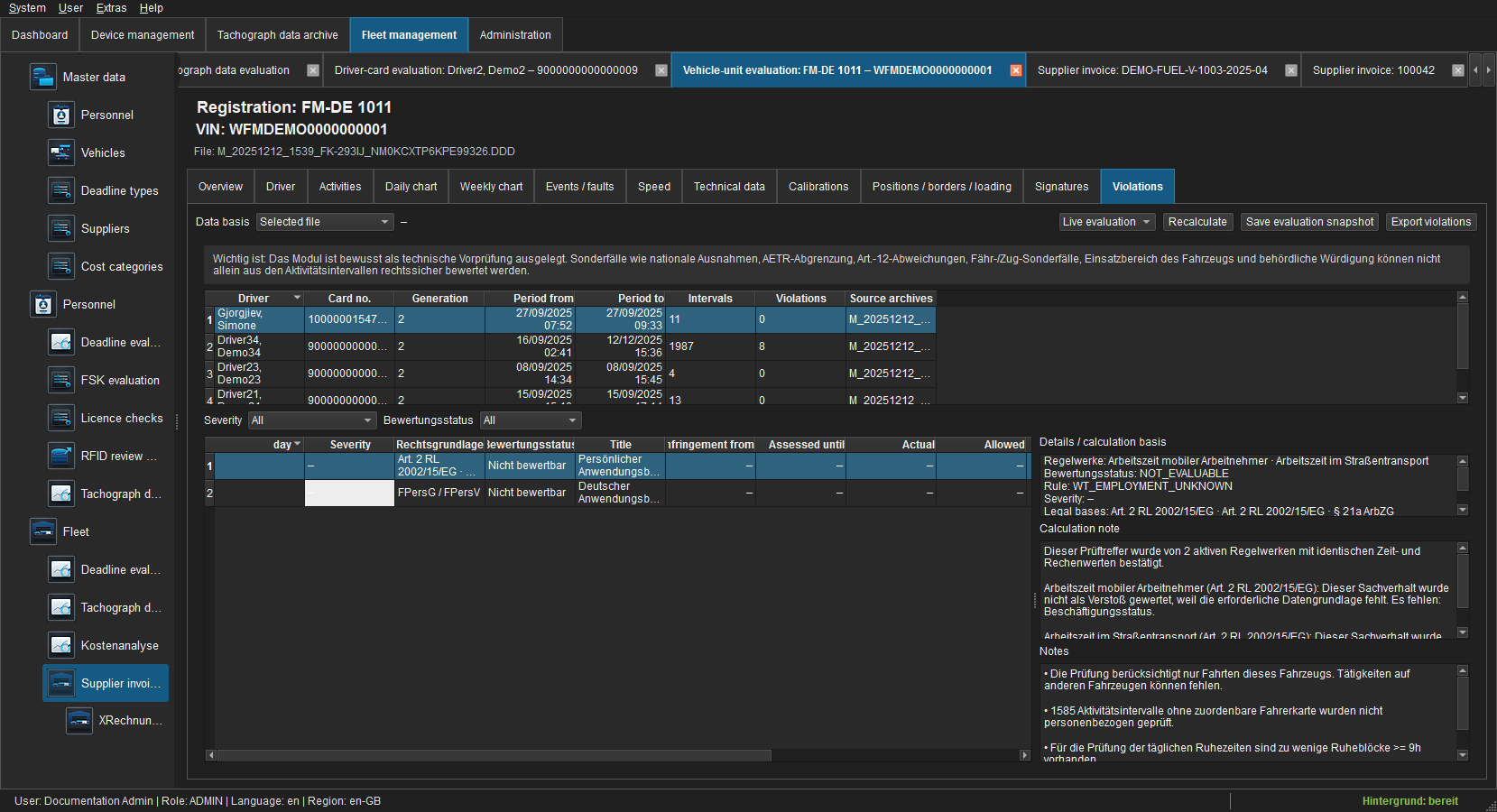 Figure: Per-driver pre-check and data-coverage notes.
Selected M file checks trips on this vehicle only. Full driver history may supplement other trusted C/M archives. Unknown-card intervals are reported as notes, not personal violations.
Select period and rule modules and recalculate after changes. Every finding identifies ruleset/version, legal basis, assessment period, actual/target value, deviation, calculation basis and severity. Optional BALM guidance is not a fine decision. Review coverage, unknown-card intervals and notices about national exemptions, AETR or Article 12 before assessing a result.