Driving-licence checks and RFID/NFC
The driving-licence check links the recurring policy in a personnel record to an RFID/NFC identifier on the licence. A successful check automatically updates the next due date; the system-managed deadline cannot be completed manually.
Requirements and master data
Open Fleet management > Personnel, select the person and choose Edit. Enter at least the personnel number and name and, where available, the licence number and issuing authority. Enable Recurring driving-licence check required and set an interval between 1 and 3,650 days; the usual initial value is 28 days.
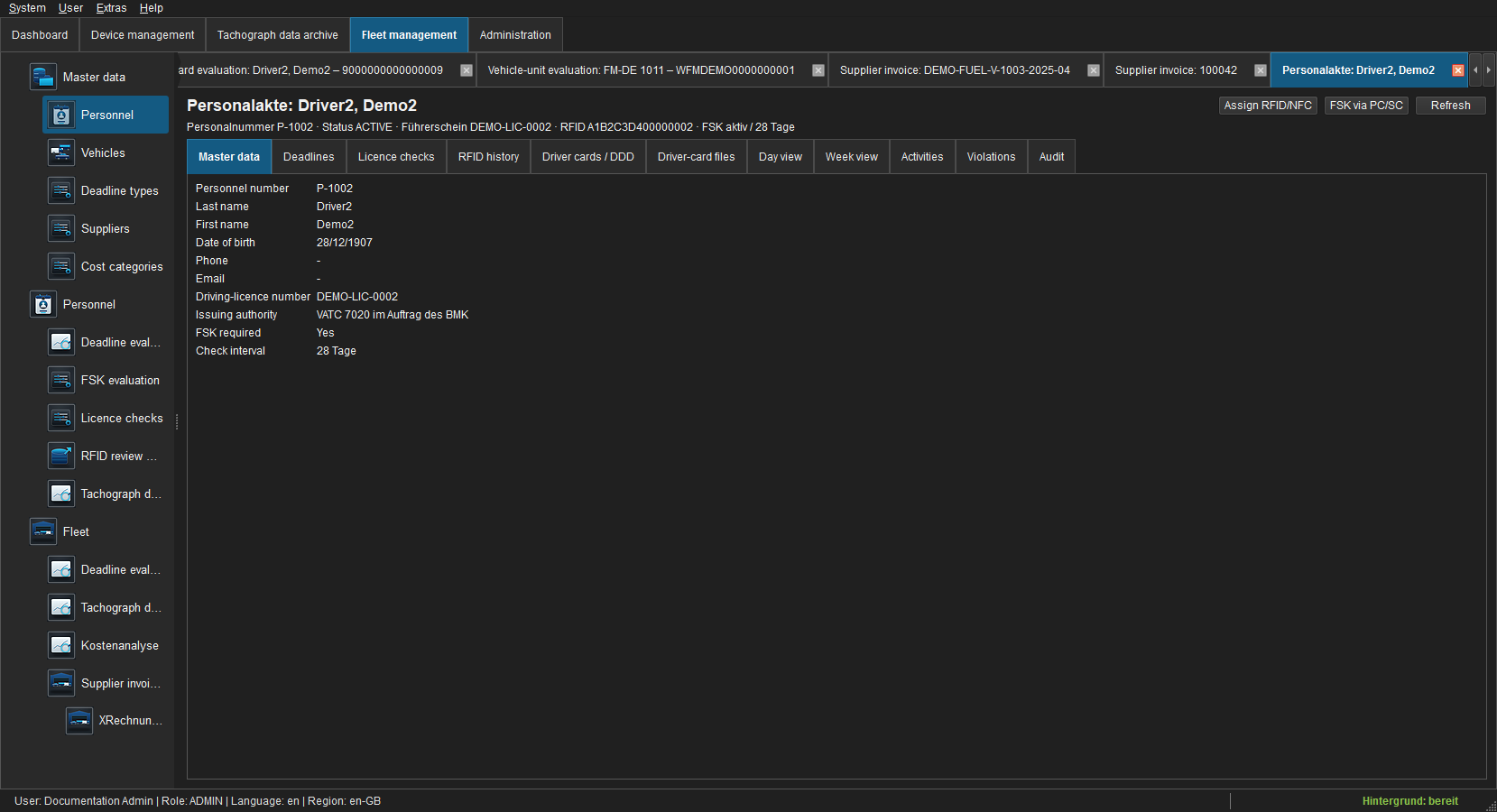
The personnel record's Master data tab displays date of birth, licence data, the check policy and interval. Deadlines contains the automatically calculated due date.
Assign RFID/NFC
- Open the personnel record or Personnel > Licence-check evaluation and select the person.
- Choose Assign RFID/NFC.
- Place the chip on a PC/SC-compatible reader and verify UID, reader and person in the confirmation dialog.
- Save the assignment. A UID can be active for only one person; assigning a new UID ends the previous assignment with an audit trail.
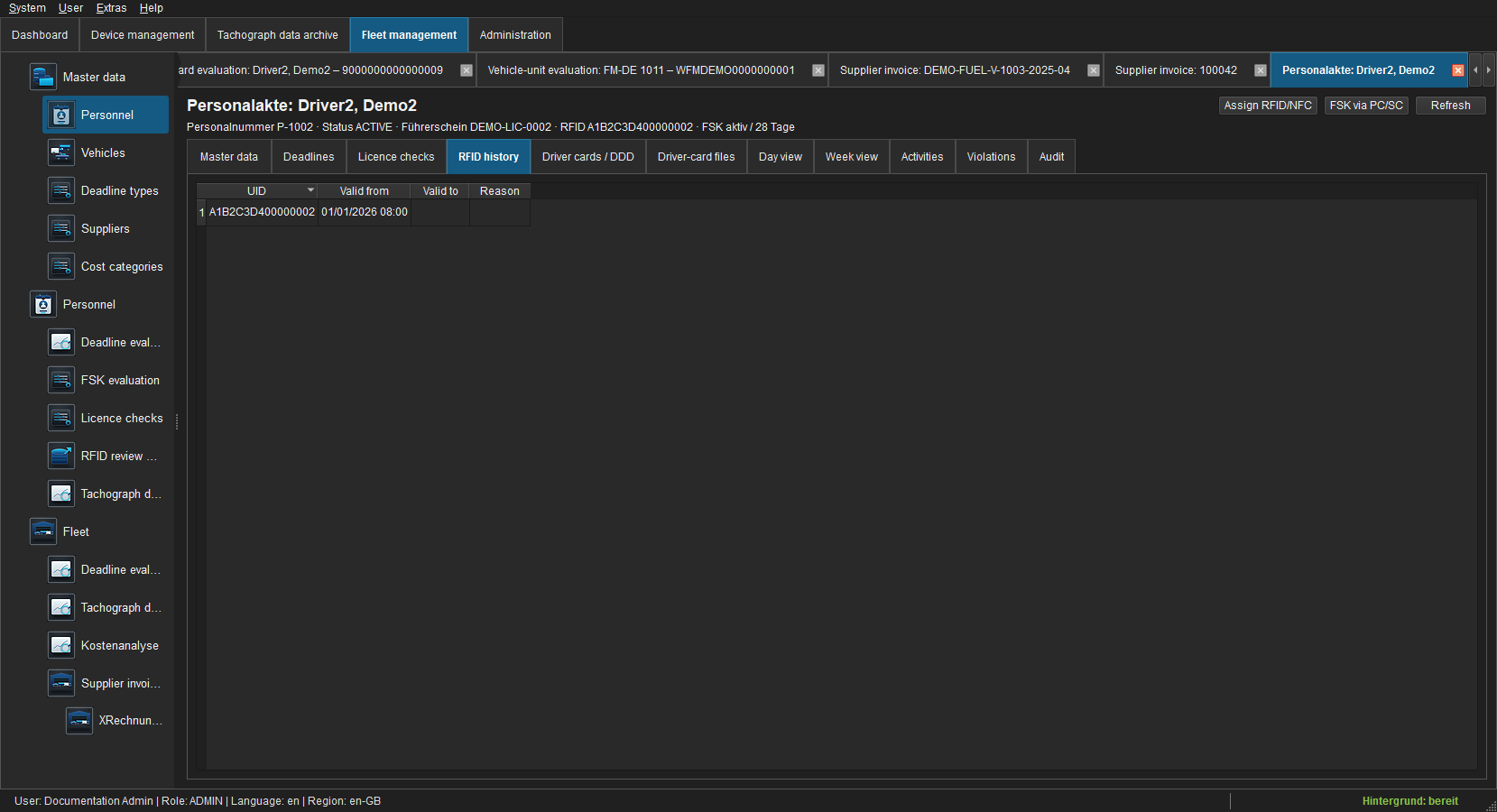 Figure: Active and ended UID assignments with their validity period.
Perform a PC/SC check
Open the personnel record or evaluation and choose Check via PC/SC. FLEET Mira accepts the check only when the UID read from the chip was actively assigned to the selected person at that time. Confirm the result. The record stores UTC time, method, workstation, result and operator.
A successful check completes the previous system deadline and calculates the next date from check time plus interval. No successful record is created for a missing reader, timeout, unknown UID or another person's UID.
Evaluation and exceptions
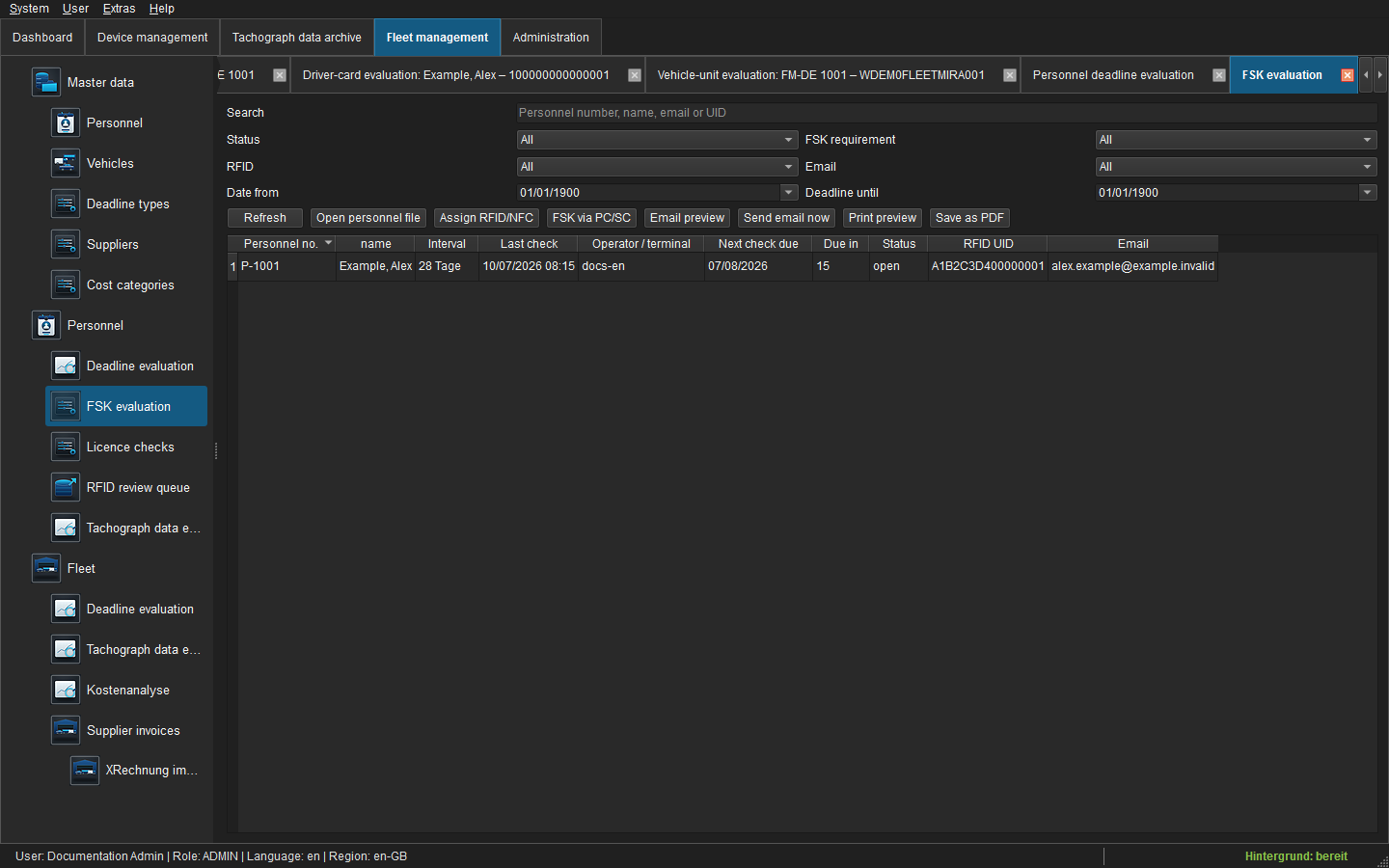
Under Personnel > Licence-check evaluation, filter by person, state, check requirement, RFID assignment, email address and due-date range. The table shows the latest check, next deadline, remaining days and status. Its context menu opens the personnel record, assigns a UID or starts a check.
RFID CSV rows from a terminal are assigned automatically only when UID and timestamp match one active assignment. Unknown or temporally inconsistent UIDs appear in the RFID exceptions list. An authorised user may associate the row with a person or discard it with a mandatory reason; the source row remains traceable.
Notifications, output and audit
Authorised users can preview or send a reminder from the evaluation. Print preview and PDF use the visible filters and columns. Changes to the policy, UID assignment, check, follow-up deadline and exception are recorded in object and global audit logs.
Viewing requires fleet.read; UID assignment, PC/SC checks and exceptions require fsk.check; manual notification requires fsk.notify.
Common problems
| State | Action |
|---|---|
| No PC/SC reader | Check the Windows driver and reader, reconnect it and reopen the operation. |
| UID belongs to another person | Do not record a check; verify the assignment and selected record. |
| RFID missing | Assign an active UID first. |
| Deadline cannot be completed manually | Record a successful check or disable the policy in master data. |
| CSV row remains unresolved | Check the timestamp and UID validity, then resolve the exception. |