Vehicle costs and credits
Direct costs and credits are entered in the vehicle record. Foreign- and e-invoice lines use the same cost ledger but are edited through the invoice workflow. Only booked entries contribute to cost analysis, the TCO data basis and reports.
Prepare categories and suppliers
Under Finance > Cost categories, maintain a unique code, label and business classification. Leasing, insurance and tax are usually fixed costs; fuel, repairs and tolls are usually variable. Supplier master data is needed when a foreign document is associated with the entry.
Enter a cost or credit
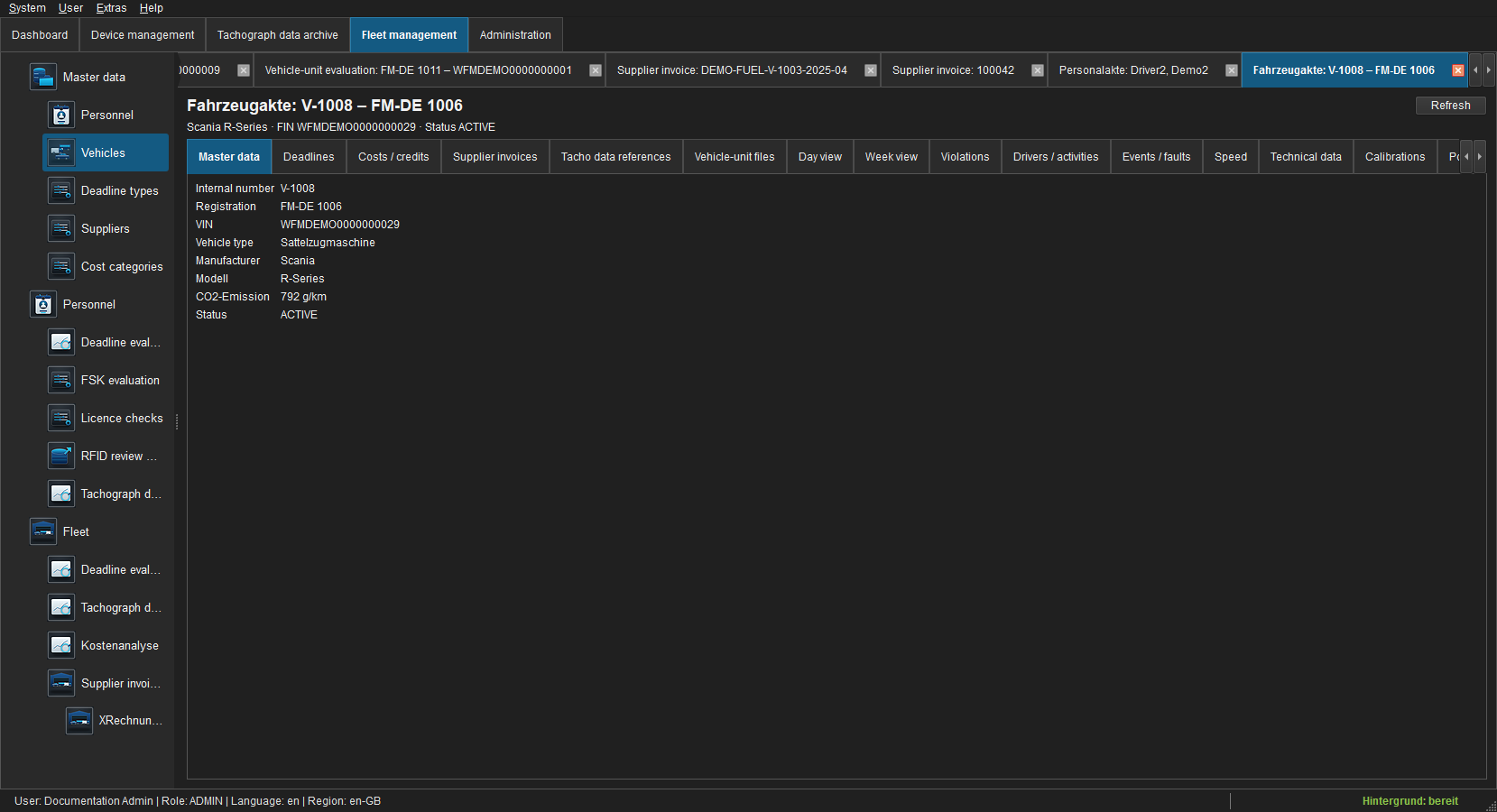
- Open Fleet > Vehicles, the vehicle record and Costs/Credits.
- Choose New.
- Verify the vehicle and category and select Cost or Credit.
- Enter description, valid from/to, document date, net amount, VAT rate and optional notes.
- Select Variable to allocate the full amount to the document date. Clear it to distribute a fixed amount by day across its validity period.
- Save the draft.
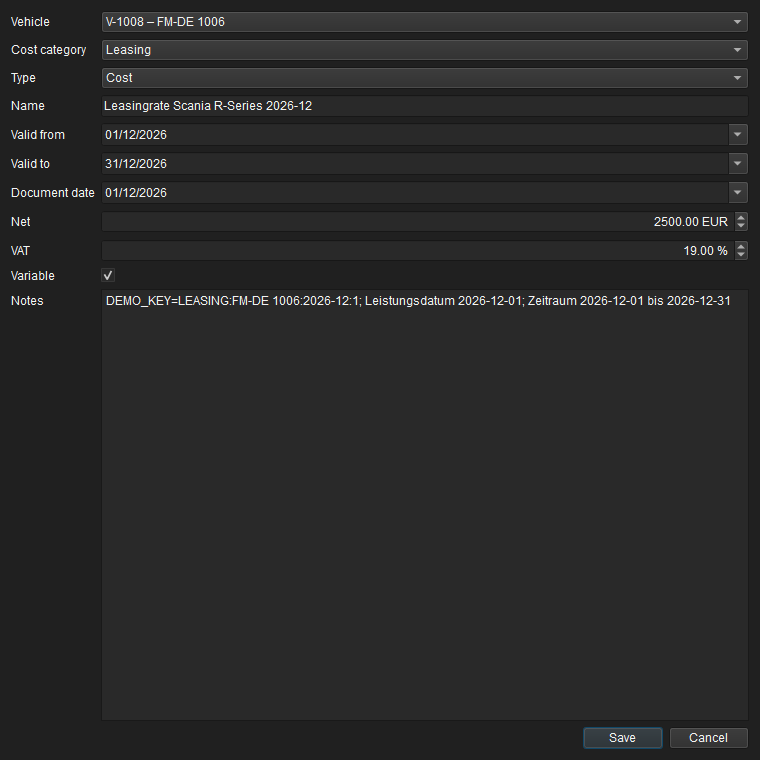
Net and VAT are stored to the cent; gross is calculated. Zero-percent VAT is supported. Fixed costs require a complete, ordered validity period. Foreign-invoice lines inherit document and validity dates from the header and remain variable.
Edit, verify and book
A direct Draft can be edited and given an original document. Verify checks mandatory fields, periods, amounts and document policy. Book then moves it into the immutable actual-cost ledger. Buttons are enabled according to state and permission.
Booked entries are never overwritten or deleted. Cancel creates a linked counter-entry and requires a reason. A commercial credit is entered as its own type and reduces cost. Original entry, correction and operator therefore remain traceable in the audit log.
Effect in cost analysis
- Variable costs and credits are allocated completely to the document date.
- Fixed costs are distributed by day across the validity period.
- Invoice and credit signs affect totals, comparisons and cost/km.
- A cancelled booking and its booked counter-entry net to zero while retaining the booking basis.
- Draft and merely verified entries are excluded.
Original documents and permissions
Add document writes the original to the local financial archive, reads it back and verifies its SHA-256. External backup is secondary and never blocks the business workflow. Paper scans additionally require an organisational replacement-scanning procedure.
Reading requires finance.read, editing finance.manage, verification finance.verify, and booking or cancellation finance.book.
Common problems
| Problem | Correction |
|---|---|
| Fixed cost is flagged | Enter a complete, non-reversed validity period. |
| Edit is disabled | Only direct drafts are editable; open an invoice line through its invoice. |
| Entry is absent from analysis | Check Booked state, reporting period and filters. |
| Wrong period | Correct document date for variable cost or validity period for fixed cost. |