Foreign invoices
Double-click a foreign invoice to open its own work tab. The status strip shows workflow, validity, local document and export states plus net/gross total, allocated amount and difference. Green means an exact cent-level match; red blocks verification.
Header and supplier
Under Fleet > Foreign invoices > New, enter supplier, document type, number and date, delivery/validity period, payment terms, net and VAT. A credit or cancellation also references its original invoice. Reversed periods and inconsistent totals are rejected.
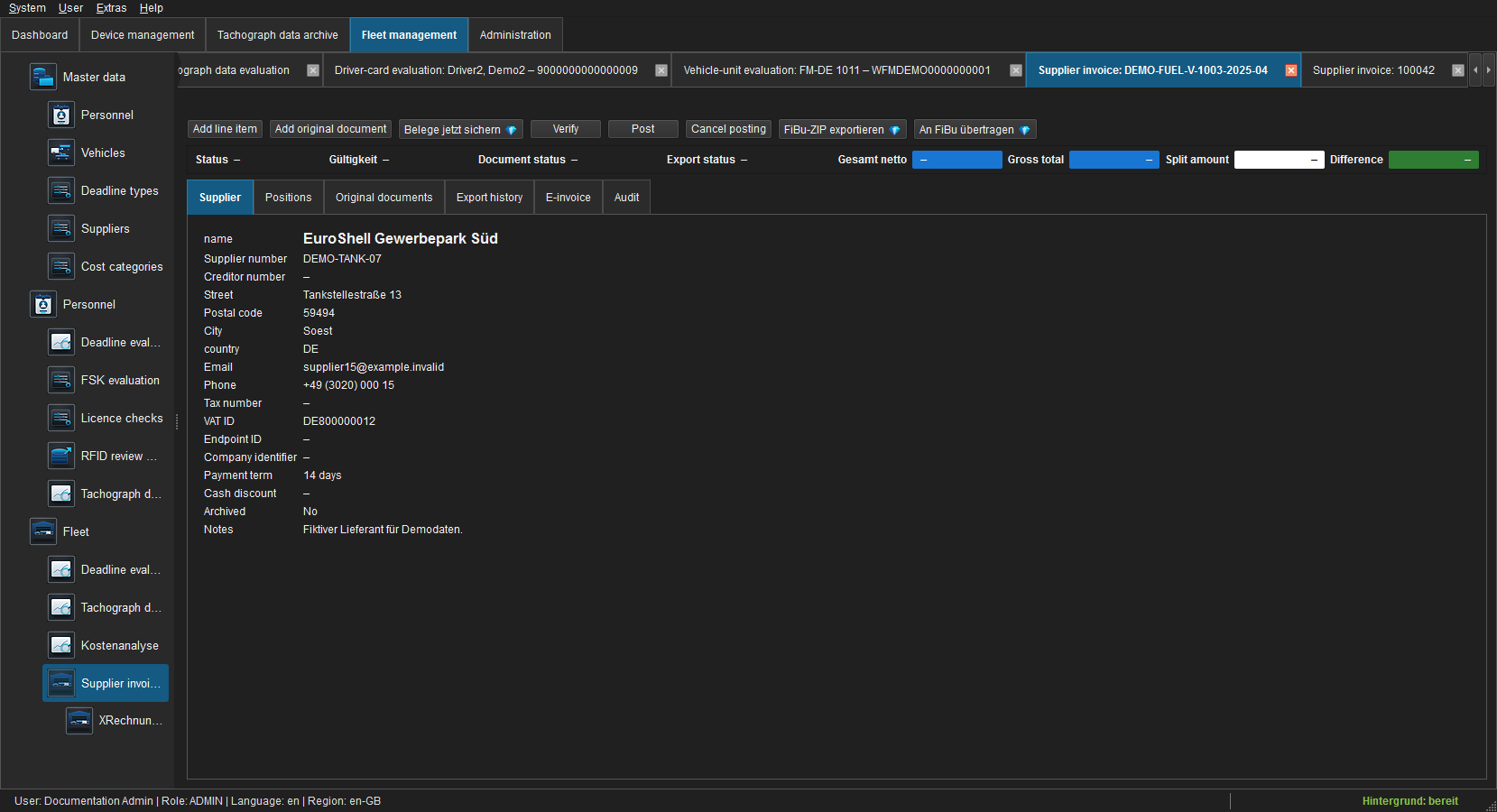
The Supplier tab shows master data and e-invoice identifiers used for the document. Supplier-master changes do not retroactively alter a booked invoice.
Positions
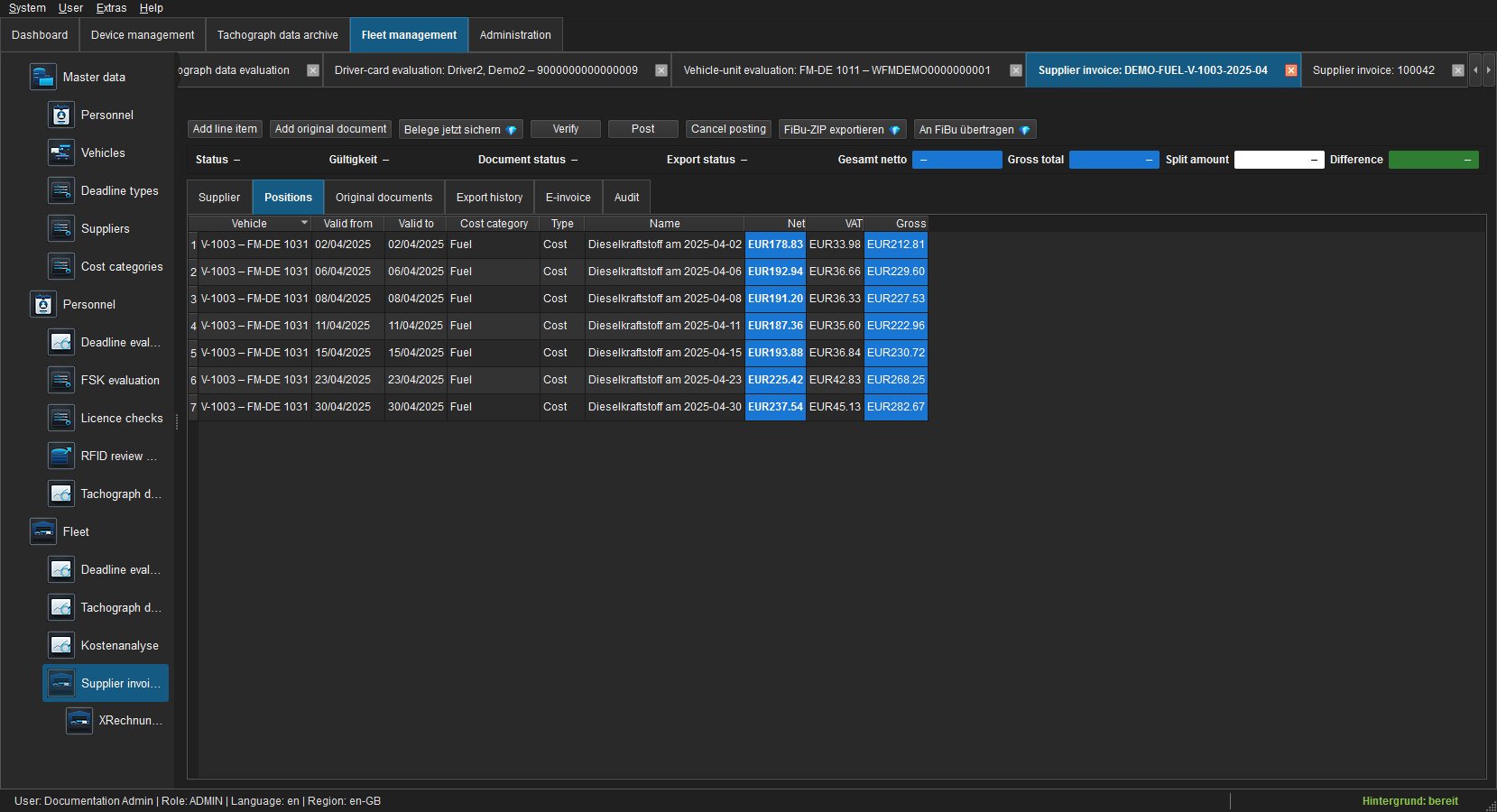
Every position belongs to one vehicle and category. Document date, valid from/to and Variable are inherited and locked. Costs increase and credits reduce the allocated amount. All positions must match invoice gross exactly.
Original documents
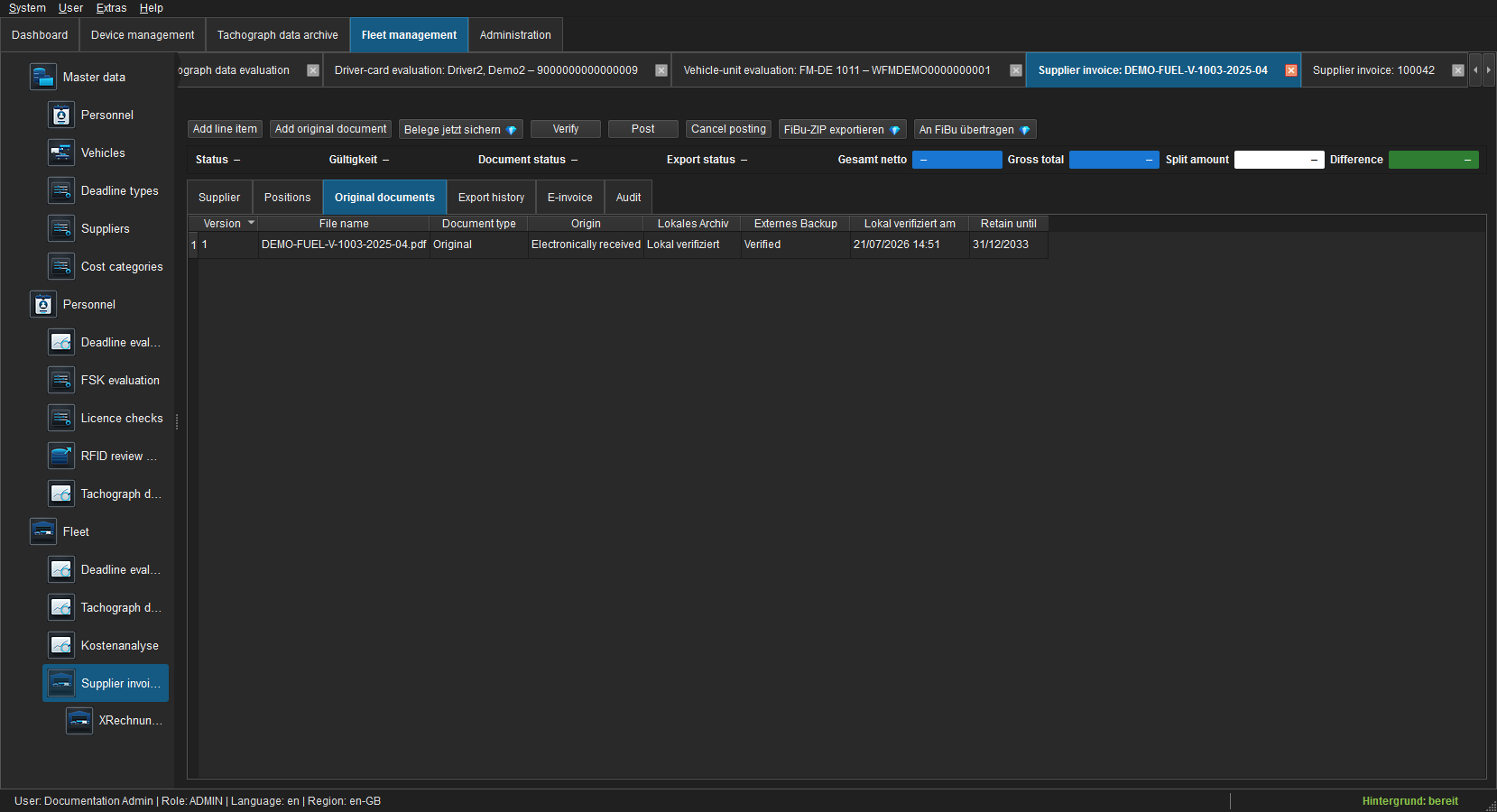
Add original document first writes the file atomically to the local financial archive, reads it back and verifies SHA-256. Locally verified enables verification, booking, preview and export. Back up documents now optionally replicates pending objects; failed external backup never blocks the business workflow. Preview uses a temporary copy.
E-invoice
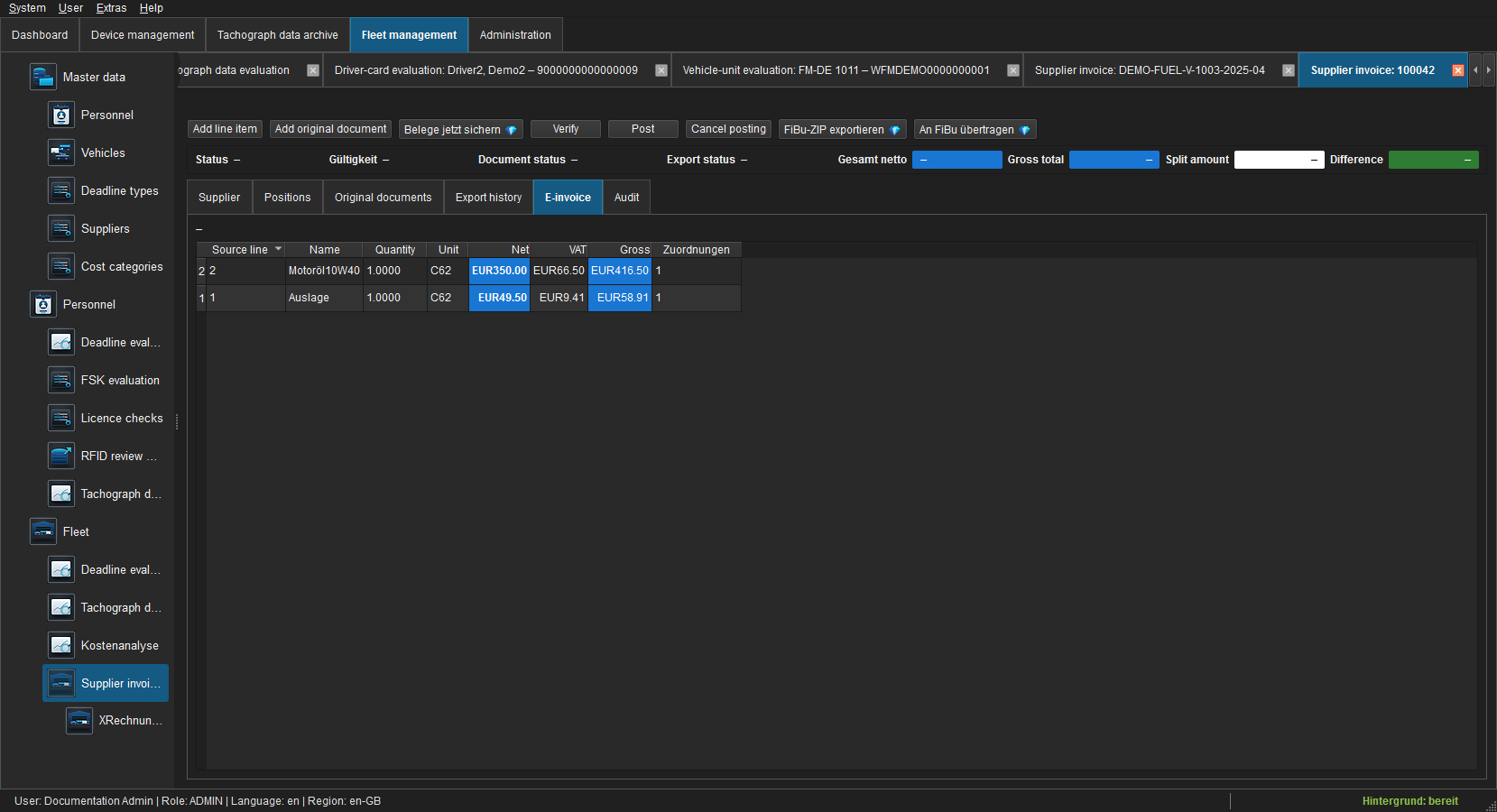
For structured imports this tab shows syntax, profile, validator, errors/warnings and every source line with its allocation count. Original, XML and KoSIT report remain separate verified document roles. See Importing e-invoices and XRechnung.
Verify, book and correct
- Complete header and positions in Draft.
- Ensure the required original is locally verified.
- Bring the difference to 0.00 and Verify.
- Use
finance.bookto Book immutably. - Optionally export through accounting REST or CSV/ZIP.
Booked records are never overwritten or deleted. Cancel creates a counter-entry with a mandatory reason; a linked credit represents a commercial correction. Both preserve origin and use the correct sign in analysis.
Export history and audit
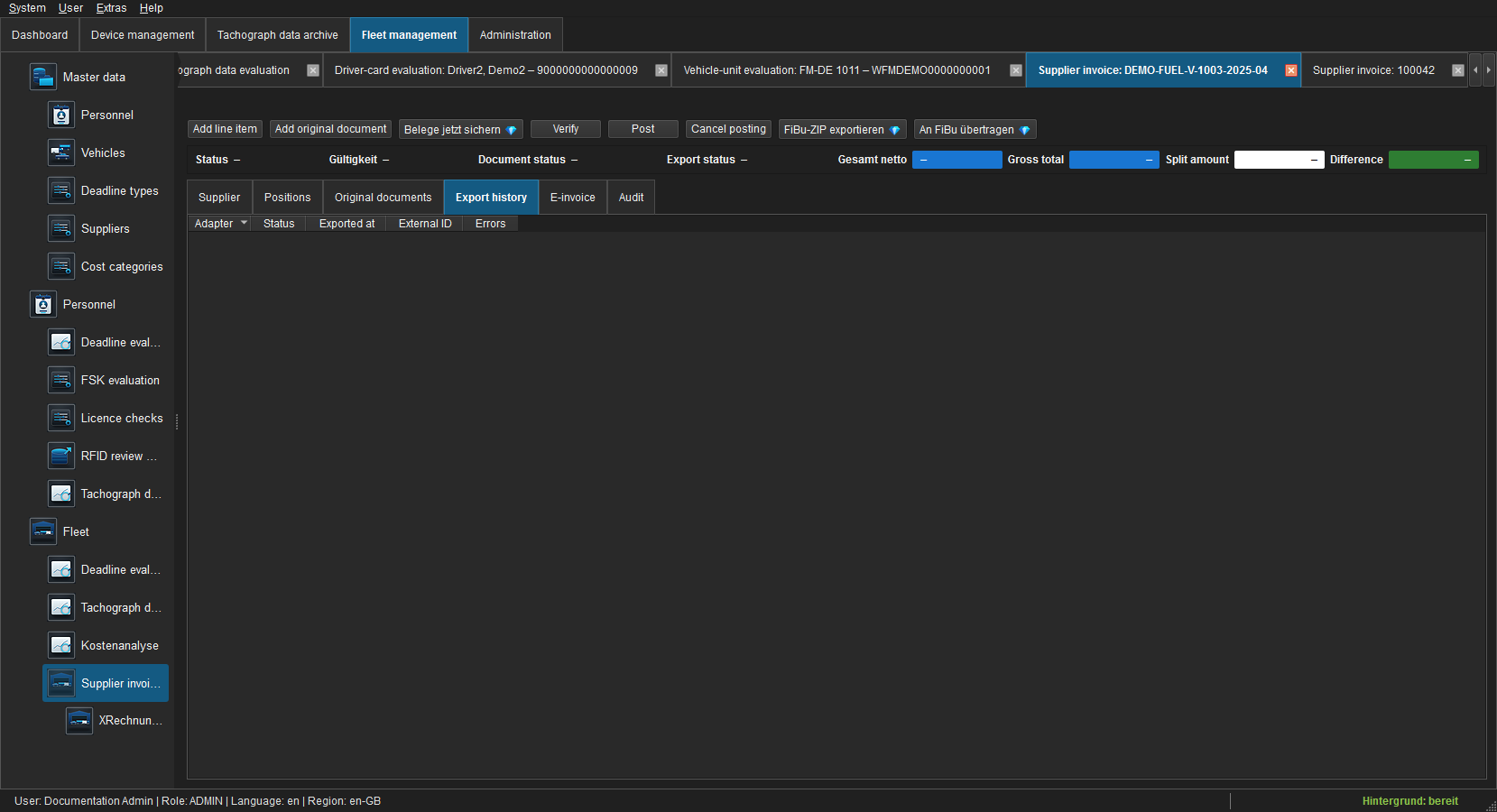
Only booked or cancelled invoices may be exported. Idempotency keys prevent duplicates; external ID, timestamp and error remain visible for retries.
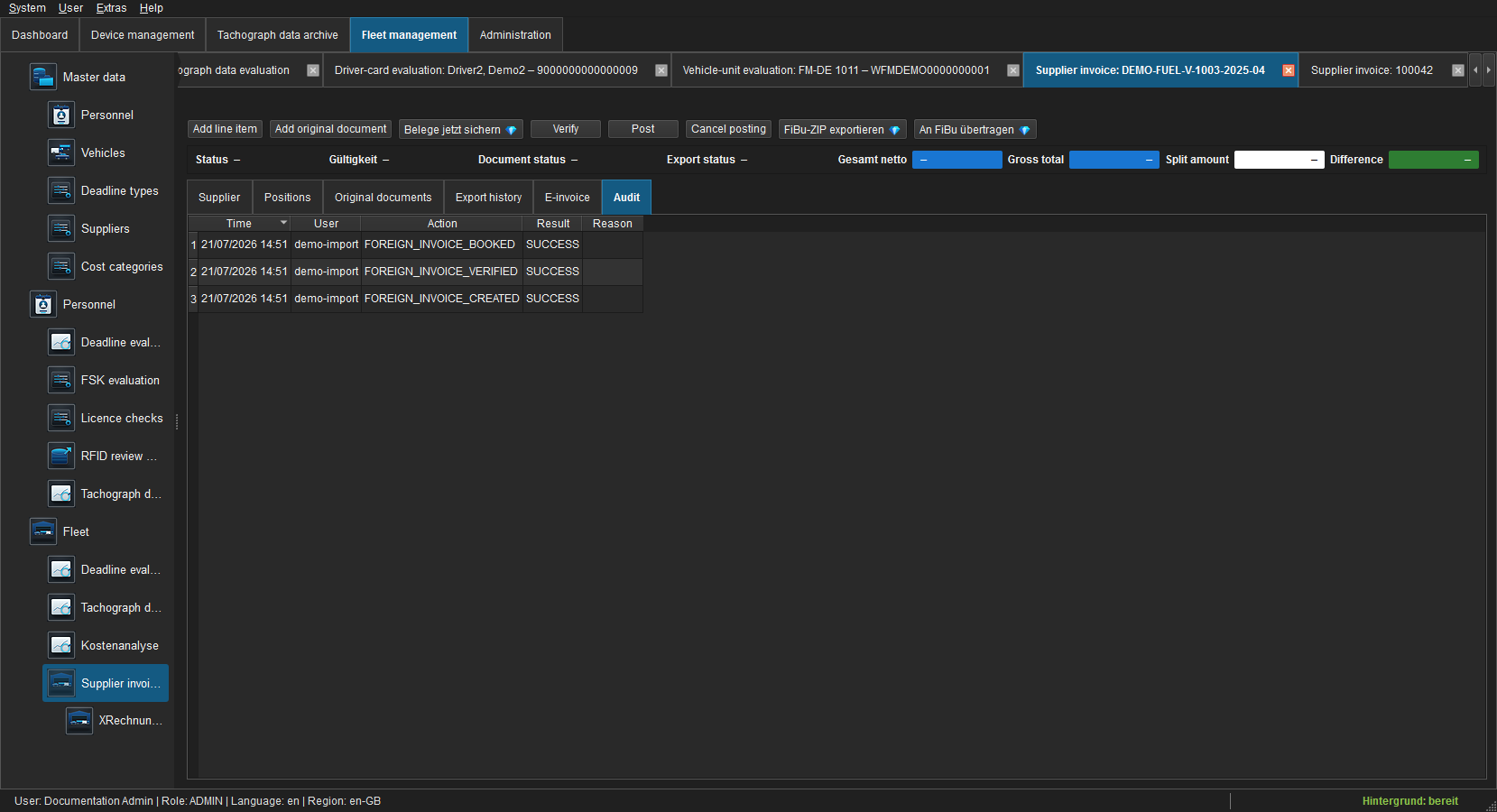
Creation, edits, verification, booking, cancellation, document verification and export are recorded. Navigation and preview create no event. Reading requires finance.read, editing finance.manage, verification finance.verify, booking finance.book, and export finance.export; Pro adapters also require their licence feature.
Troubleshooting
| State | Action |
|---|---|
| Verify disabled | Check local document state and difference; e-invoice lines must be assigned completely. |
| Difference red | Correct position amounts, signs and rounding residuals. |
| Document backup failed | The local original remains usable; fix the target and retry backup. |
| Booked invoice locked | Create a cancellation or linked credit instead of overwriting it. |