Foreign invoices
Double-click a foreign invoice to open its own work tab. The status strip shows workflow, validity, local document and export states plus net/gross total, allocated amount and difference. Green means an exact cent-level match; red blocks verification.
Capture from a document
In Pro and Enterprise, From document is available beside New. PDF, image, XML and hybrid PDF files open the same maximised review screen as document-assisted lease creation. The original, page controls, zoom and evidence locations are on the left; the familiar supplier-invoice form, tax rows, positions and recurring-invoice amount periods remain editable on the right. The document table shows local analysis, latest AI analysis, XRechnung state, progress and errors for each file.
Focusing a candidate automatically opens the correct document and page. Blue is a preview; only Apply or the candidate checkbox accepts the value and its concrete evidence location. Unique candidates may be preselected transiently. Ambiguous candidates remain open until the user accepts one or confirms a manual value. Cancelling discards the technical session and all temporary documents.
Dates, numbers, percentages and monetary amounts use the signed-in user's region in the form, candidate list and hints; ISO dates, integer cents and basis points remain unchanged internally. A wheel gesture over a date, selection or numeric editor scrolls the form and does not change the field value.
flowchart TD
    A["Supplier invoices"] --> B{"Entry point"}
    B -->|"New"| C["Manual invoice form"]
    B -->|"From document"| D["PDF, image, XML or hybrid PDF"]
    B -->|"Import XRechnung"| D
    D --> E["PDF text, OCR or structured invoice data"]
    E --> F["Optional consented AI analysis"]
    F --> G["Review document and evidence on the left"]
    G --> H["Confirm header, tax and positions on the right"]
    H --> I{"Invoice kind"}
    I -->|"Single"| J["Assign position to one vehicle"]
    I -->|"Collective"| K["Allocate positions across vehicles"]
    I -->|"Recurring"| L["Review amount periods and components"]
    J --> M{"Finish"}
    K --> M
    L --> M
    M -->|"Minimum data available"| N["Save as draft"]
    M -->|"Complete and exact"| O["Accept as verified"]
Import XRechnung remains visible as a separate entry point but uses this same review workspace and starts with structured validation. Valid XML totals and tax rows are authoritative; OCR and AI never replace them silently.
Header and supplier
The saved invoice record refreshes status labels, totals and dates from its loaded data using the current language and region. Completing document-assisted capture stops session timers, closes preview and removes its temporary preview copy. A saved original remains in the financial archive; declining discard keeps capture open.
Under Fleet > Foreign invoices > New, enter supplier, document type, invoice kind, number and date, delivery/validity period and payment terms. In the manual tax table, enter the taxable base for every VAT rate; FLEET Mira calculates read-only net, VAT and gross totals with commercial cent rounding. A 19% row is preselected and additional rates including 0% are supported. A credit or cancellation also references its original invoice.
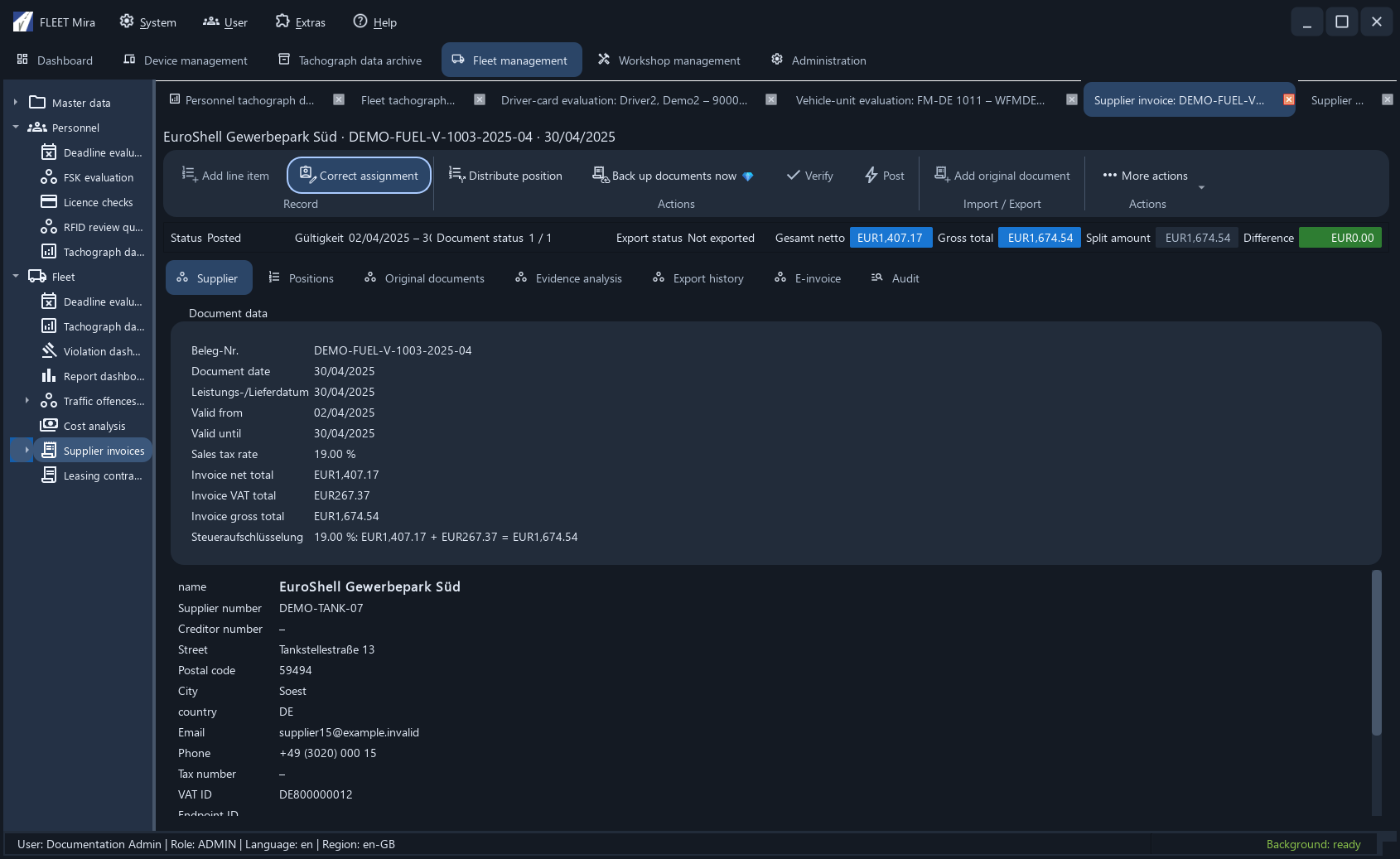
The Supplier tab shows master data and e-invoice identifiers used for the document. Document data also shows dates, the VAT rate or complete tax breakdown, and net, VAT and gross totals.
Positions
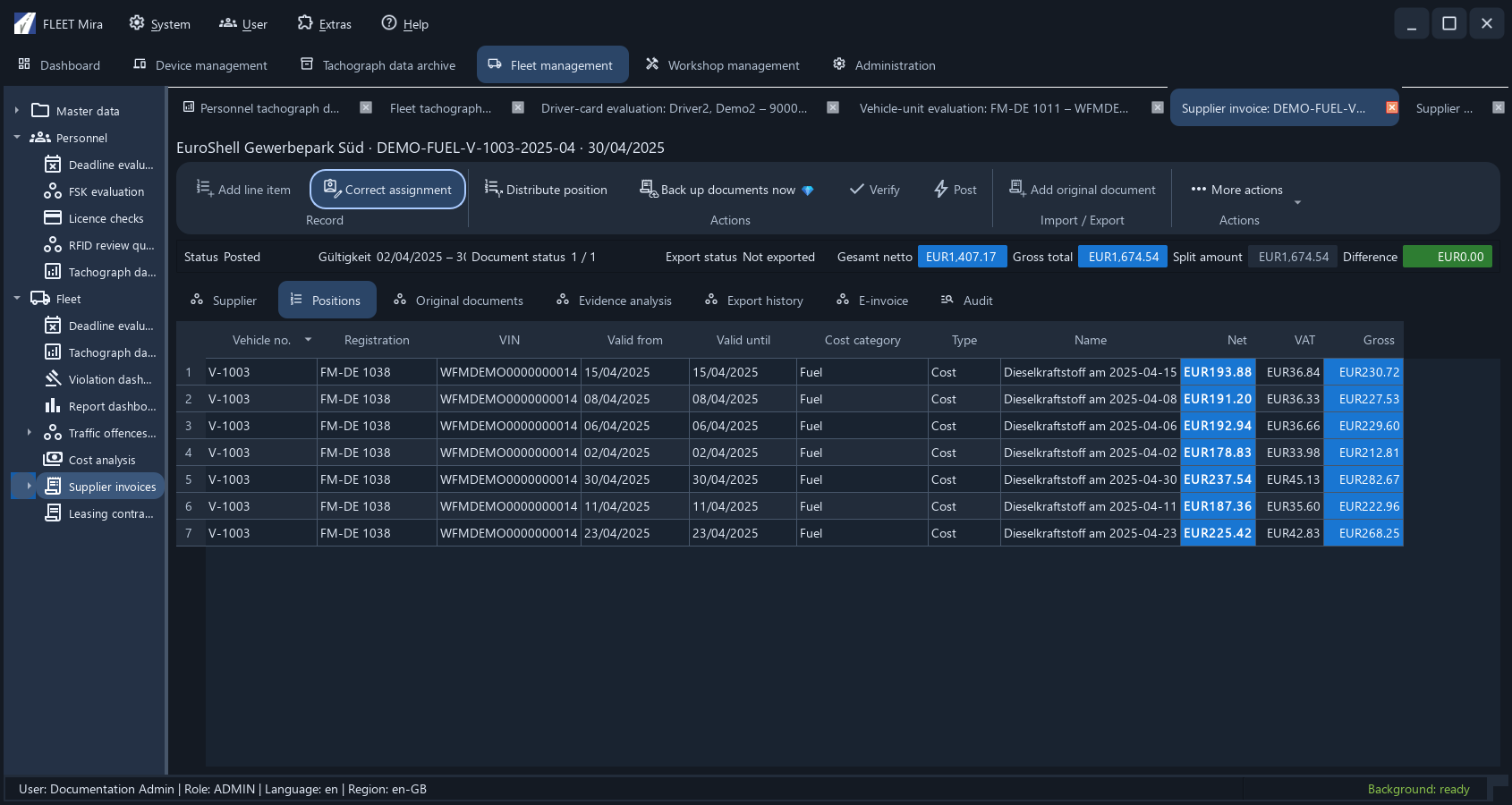
Every position belongs to one vehicle and category. Document date, valid from/to and Variable are inherited and locked. Costs increase and credits reduce the allocated amount. All positions must match invoice gross exactly.
For collective invoices, Split position distributes one source amount across any number of vehicles and allocates a possible VAT cent deterministically. A draft assignment is edited directly. After booking, Correct assignment creates a counter-entry on the wrong vehicle and a new posting on the correct one; already exported data receives a separate RECLASSIFICATION correction export.
Original documents
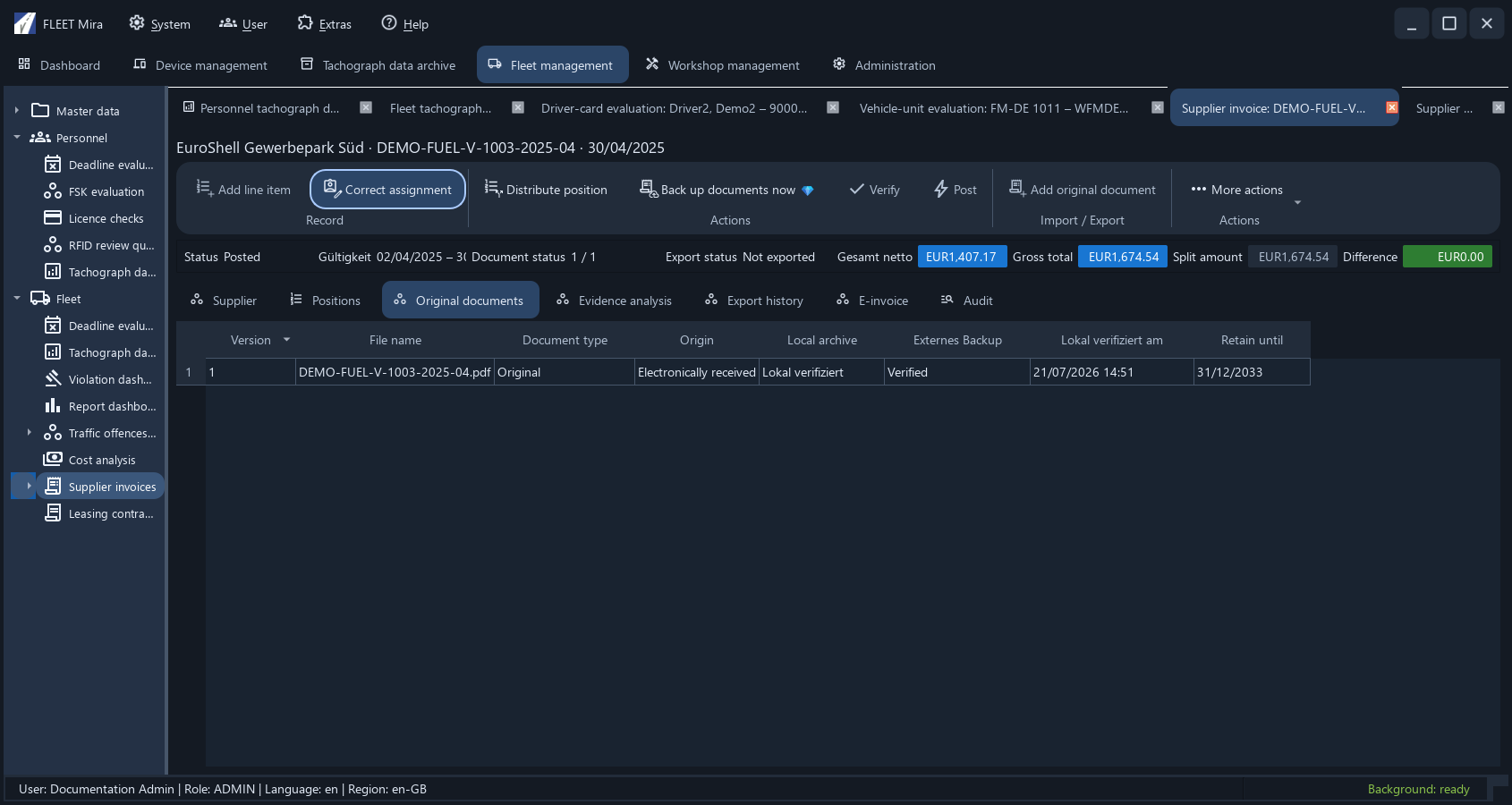
Add original document first writes the file atomically to the local financial archive, reads it back and verifies SHA-256. Locally verified enables verification, booking, preview and export. Back up documents now optionally replicates pending objects; failed external backup never blocks the business workflow. Preview uses a temporary copy.
E-invoice
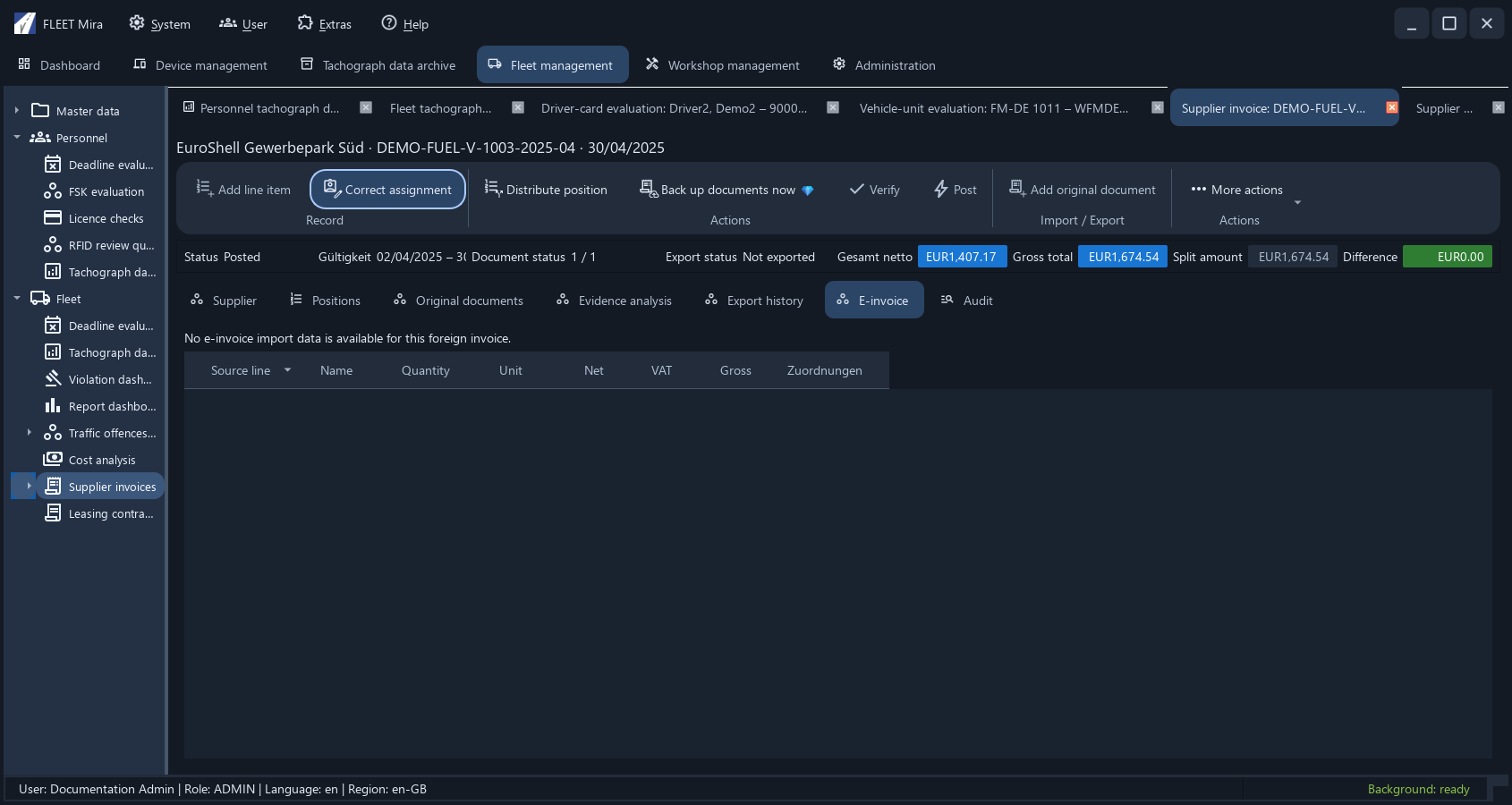
For structured imports this tab shows syntax, profile, validator, errors/warnings and every source line with its allocation count. Original, XML and KoSIT report remain separate verified document roles. See Importing e-invoices and XRechnung.
Document analysis
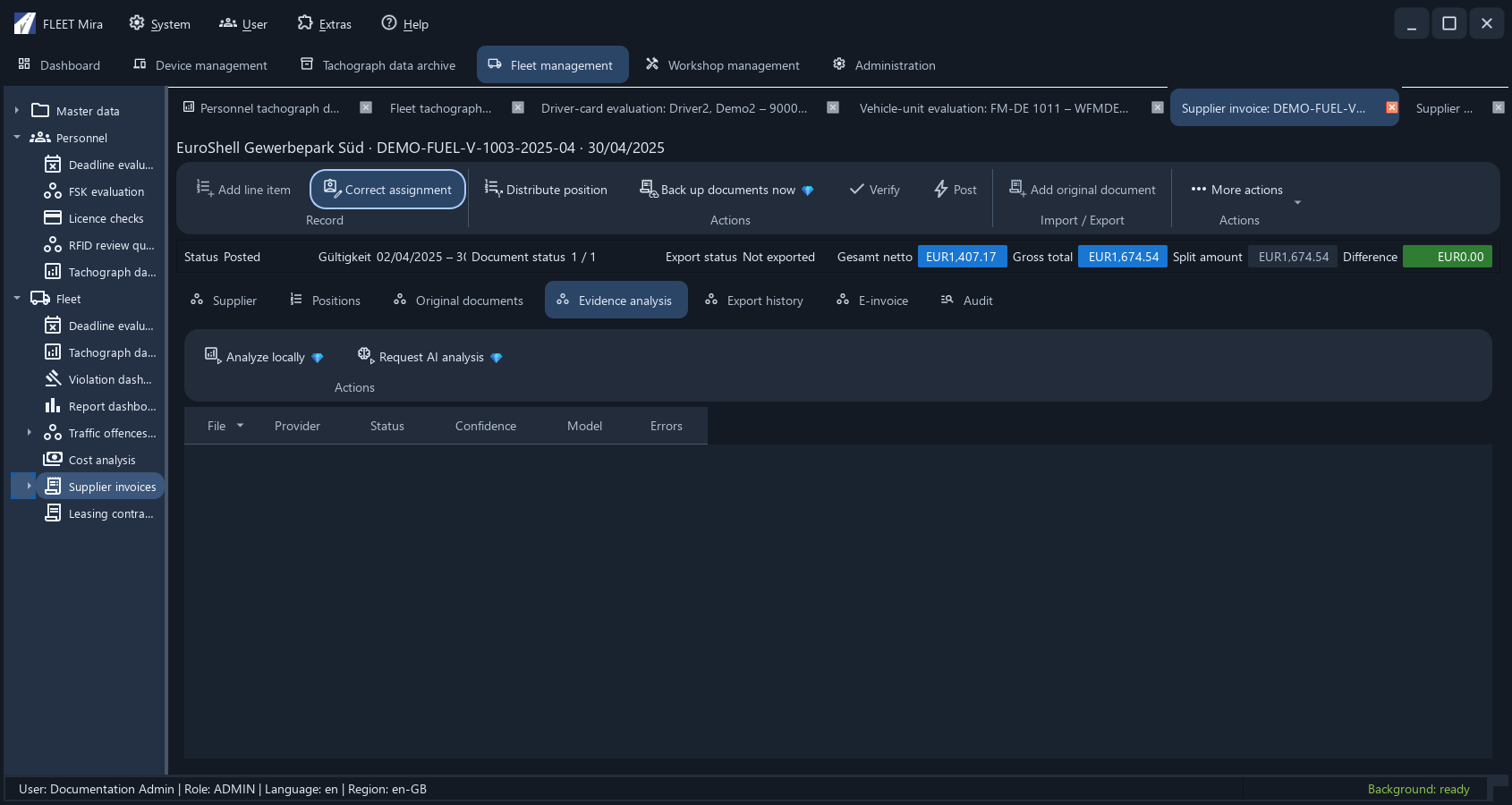
Image PDFs and scans are analysed locally first using embedded text or the bundled PDFium/Tesseract OCR runtime. Rules and confirmed historical assignments provide review-only supplier, vehicle and lease-contract suggestions. Cloud analysis through an Azure or Vertex provider configured under Administration > AI connector requires explicit consent for each document. The original, hash, result, model, confidence and evidence remain traceable together; no assignment is confirmed automatically. If the OCR runtime or language model is unexpectedly unavailable, the analysis ends with a technical failure and is never stored as an apparently successful empty suggestion.
A recurring invoice may be saved without a contract assignment and linked later. An unambiguously recognised active lease contract is only proposed and must be confirmed explicitly. The direct Recurring invoice from document action in an active lease file instead fixes vehicle, supplier and contract and stores the verified invoice and assignment together.
Verify, book and correct
- Complete header and positions in Draft.
- Ensure the required original is locally verified.
- Bring the difference to 0.00 and Verify.
- Use
finance.bookto Book immutably. - Optionally export through accounting REST or CSV/ZIP.
Booked records are never overwritten or deleted. Cancel creates a counter-entry with a mandatory reason; a linked credit represents a commercial correction. Both preserve origin and use the correct sign in analysis.
Export history and audit
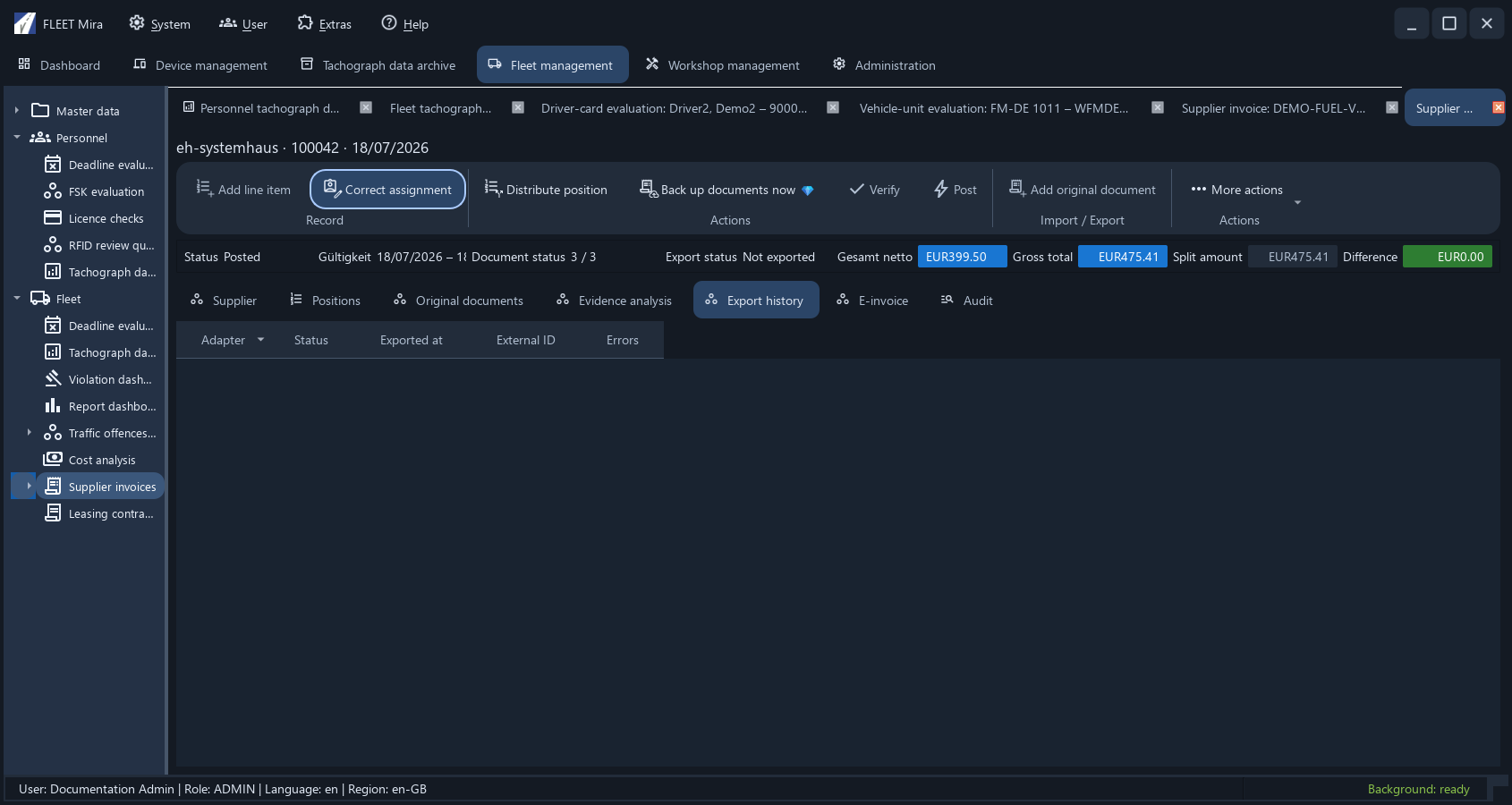
Only booked or cancelled invoices may be exported. Idempotency keys prevent duplicates; external ID, timestamp and error remain visible for retries.
Creation, edits, verification, booking, cancellation, document verification and export are recorded. Navigation and preview create no event. Reading requires finance.read, editing finance.manage, verification finance.verify, booking finance.book, and export finance.export; Pro adapters also require their licence feature.
Troubleshooting
| State | Action |
|---|---|
| Verify disabled | Check local document state and difference; e-invoice lines must be assigned completely. |
| Difference red | Correct position amounts, signs and rounding residuals. |
| Document backup failed | The local original remains usable; fix the target and retry backup. |
| Booked invoice locked | Create a cancellation or linked credit instead of overwriting it. |